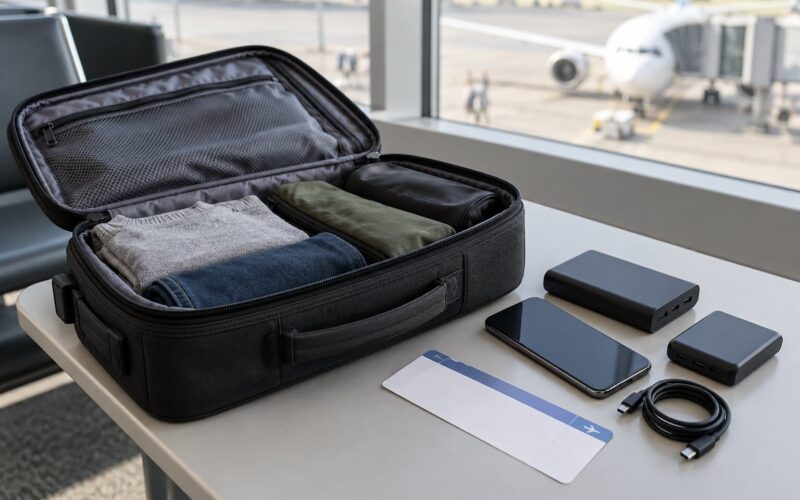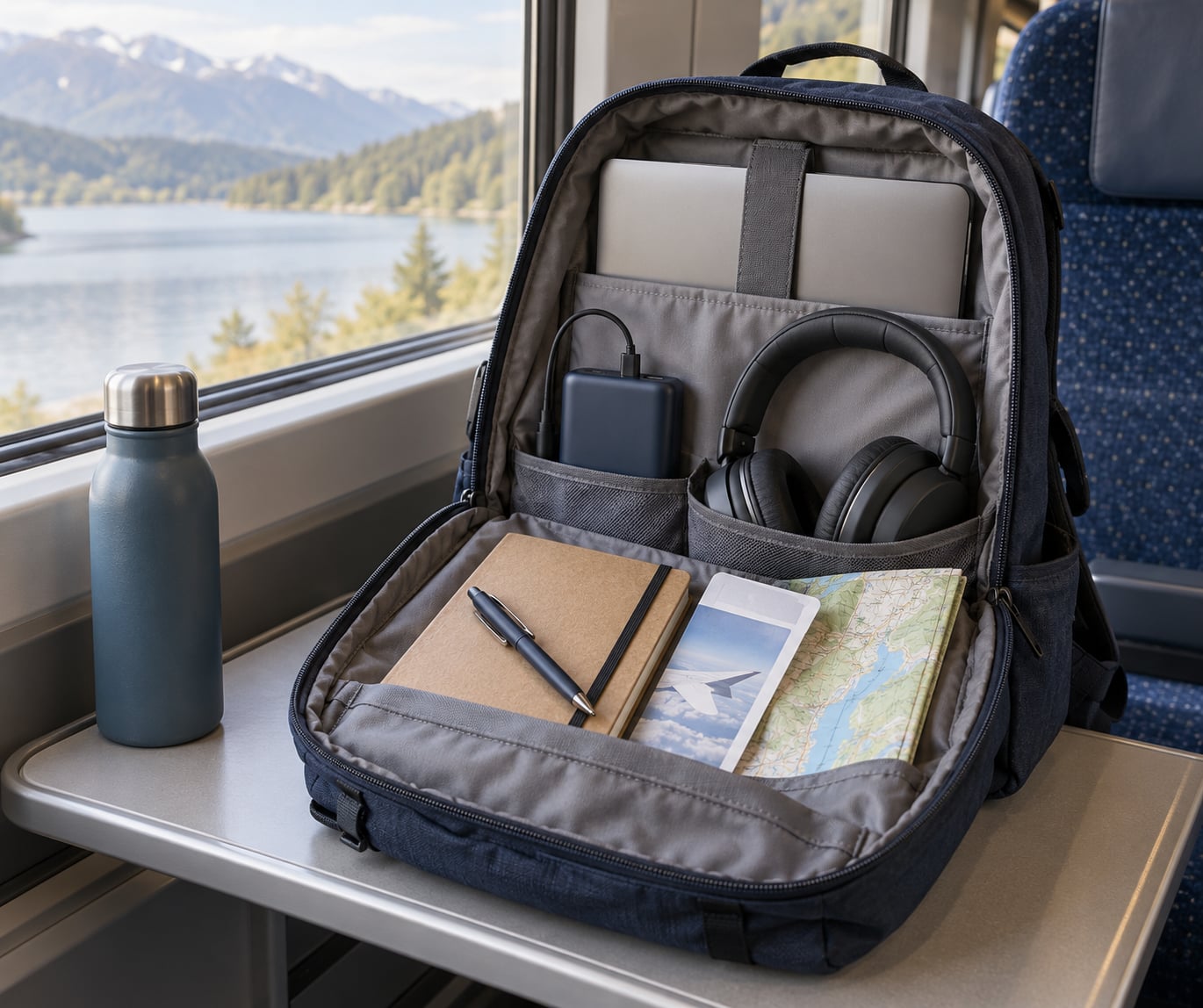
To know how to stay productive on long travel days, treat the whole day as short planned focus blocks with deliberate rest between them, not as one long workday. Pick tasks that survive bad signal, load everything offline the night before, work in timed blocks, move and hydrate between them, and protect the first hours after you arrive.
That is the entire system, and it costs about 30 minutes of preparation. It works because a long travel day is really four different environments stacked on top of each other: your desk the night before, a noisy terminal, an uncomfortable seat with no reliable connection, and a tired body trying to adjust to a new time zone. Treating them as one continuous block is why most people spend a 14-hour day scrolling and arrive with nothing done and no rest either.
Productivity here does not mean squeezing twelve hours out of a twelve-hour flight. On most itineraries you get three to five genuinely focused hours, and the goal is to make those hours count while protecting your energy for arrival. Last updated for October 2026.
Table of Contents
- What You Need
- Step-by-Step
- Choose tasks that survive poor connectivity
- Prepare offline before departure
- Build a travel-day focus plan
- Protect your concentration
- Keep devices powered and connected
- Take deliberate breaks
- Close the day with a simple handoff
- Common Mistakes
- Frequently Asked Questions
- Can I work on a plane with Wi-Fi?
- How many hours of work can you realistically do on a flight?
- Should I work on a long flight or sleep?
- What productive things can I do on a long train or coach ride?
- How do I stay comfortable during long flights?
- How do I stop losing the whole day after a long flight?
- Start with one important task
What You Need
None of this is specialised gear. Every item below has one job: remove a reason to stop working. If a device, cable or file is missing, something on the trip will quietly eat 90 minutes.
- A device with a full offline folder. Whatever you work on must be openable in airplane mode. Documents, reference material, the draft you want to finish, an ebook or a language lesson. Files you cannot reach without a connection are not part of the plan.
- Two charging options. A power bank for the seat without a working outlet, and the charger for the seat with one. Carriers differ on power bank rules in carry-on bags, so check yours before packing.
- The right cable for the seat. Many seat ports are USB-A only. A USB-C cable alone leaves you watching a battery drain. Bring both if you can.
- Noise control. Noise-cancelling headphones for flights, earplugs for trains and coaches where the rattle is structural. Headphones will not block engine drone.
- An eye mask and a layer. Cabin lighting defeats sleep even on overnight flights, and a cold cabin makes concentration miserable by hour three.
- A notebook and pen. Paper thinking is more reliable than a laptop when the connection is bad or the seat has no table space.
- Water and a way to drink it. An empty bottle you refill after security. Dry cabins and long station waits do more damage to your afternoon than a missed meeting would.
- A backup connectivity plan. A personal hotspot or an eSIM, kept as backup rather than the main plan. Connectivity you cannot predict is not a plan.
Step-by-Step
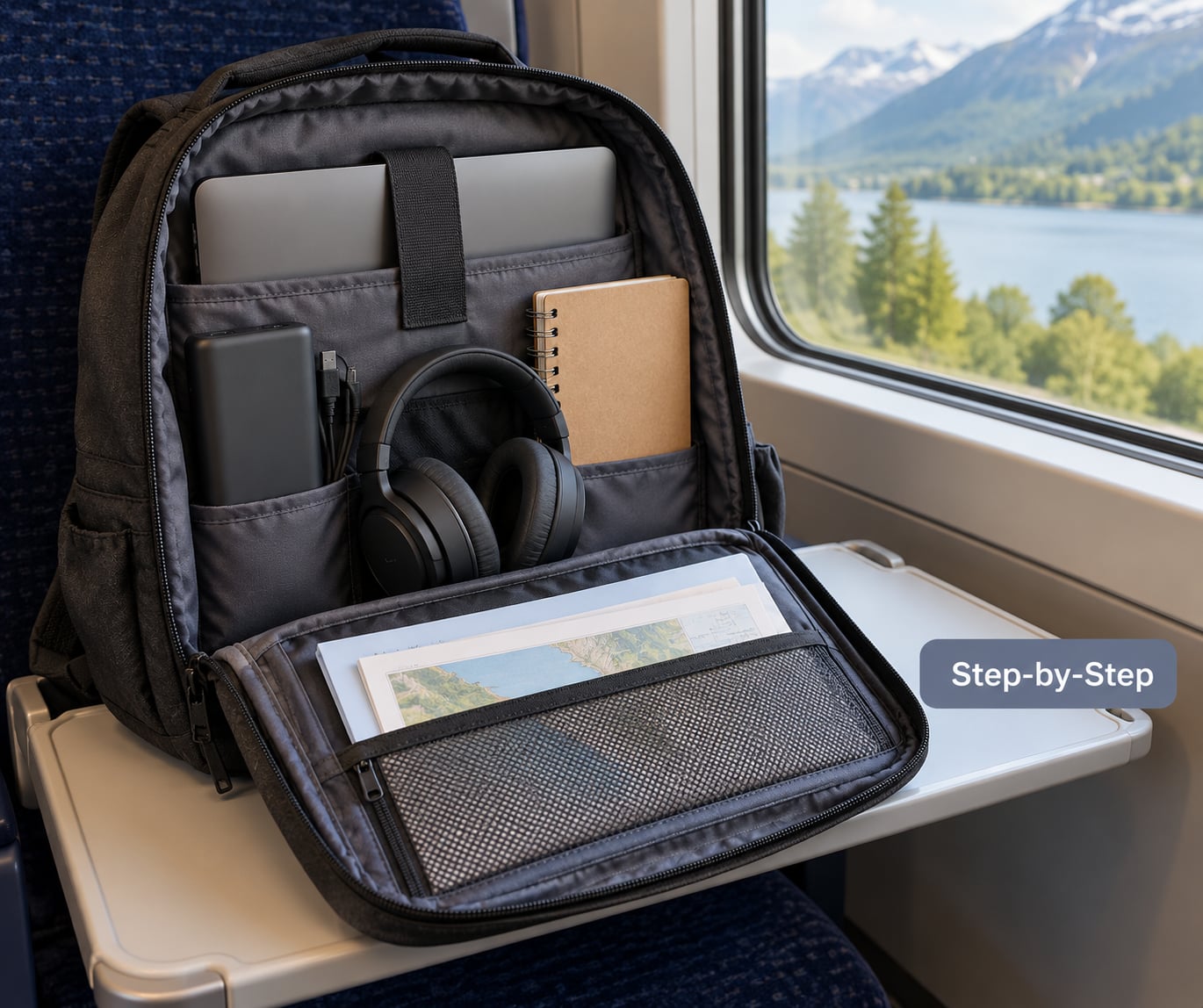
Choose tasks that survive poor connectivity
Split your list into two piles before you leave. The first pile survives no signal: writing, outlining, editing, reviewing research you already downloaded, reading, answering short messages that you send later. The second pile needs a connection and should wait: video calls, live shared documents, anything requiring a file you cannot reach offline.
This takes about 10 minutes and it is the step people skip. Work out how it worked: you can tell within seconds of losing signal whether you have anything to do at all. Travellers describe the same split in forum threads about long flights, where experienced flyers treat connectivity as a bonus rather than a plan.
Prepare offline before departure
Download tickets, boarding passes, maps, hotel addresses, passport copies, reference material, music and episodes. Put every file for the trip in one folder you can reach without hunting.
Then test it: switch the device to airplane mode and open each file. Anything that fails, move to a paper or phone-based backup you can use without internet. On a train with patchy signal, the difference between a working offline folder and a half-empty one is whether you settle in or spend 20 minutes reconnecting.
Build a travel-day focus plan
Assign work to segments, not to the whole day. For each segment write one important outcome, two small tasks and one restorative activity. A 12-hour flight broken this way looks like this:
| Segment | Assignment | Why it works |
|---|---|---|
| Boarding and take-off | Set up, connect one device, start reading | No expectations yet, and you are already moving |
| Hour 1 to 2 | Deep work: the one important outcome | Highest energy, least interruption |
| Hour 2 to 3 | Movement break, water, meal | Screen-free, restores attention |
| Hour 3 to 5 | Second focus block, shorter tasks | Post-meal dip, so keep it shallow |
| Hour 5 to 6 | Rest: film, walk, nap | Protects the evening block |
| Hour 6 to 9 | Third focus block on local time | Matches destination hours |
| Hour 9 to 10 | Wrap-up: send messages, note loose ends | Needs connectivity you can likely get |
| Final segment | Nothing. Queue content for the walk to the gate | Arriving with energy beats finishing one more email |
You know it worked when you reach the end of a segment and can point at a finished outcome rather than at hours spent.
Protect your concentration
Create a temporary workspace instead of waiting to feel like working. Clear the tray table or the seat-side space, put the phone out of reach and on silent, and set a timer. A one-hour block with a 30-minute break is the pattern most often recommended in traveller forums, and it works because the finish line is visible.
Write the exact task at the top of a page before you start, not a project name. “Finish the pricing section” is workable in a quiet terminal; “work on Q3” is not. Middle seats and red-eyes deserve an honest downgrade: shallow reading and note review, not drafting.
Keep devices powered and connected
How to stay productive on long travel days depends more on battery management than most guides admit. Start at full charge, keep the power bank in your personal item rather than an overhead bin, and turn on airplane mode when you are not actively using a connection. Battery saver on, brightness down, video off.
Bring a backup hotspot or eSIM for the one or two tasks that genuinely need a network, and accept that it may be slow or absent. Offline maps, downloaded tickets and local copies of documents keep the day working when the connection drops, which on a long-haul route it will.
Take deliberate breaks
Stand up every 60 to 90 minutes. Walk to the back of the cabin, stretch your calves in a station corridor, or stand at a station platform for two minutes. Travellers report movement breaks helping mental clarity more than physical comfort, and it is the cheapest productivity tool available.
Drink water on those breaks, roughly 8 oz an hour, and keep alcohol to a minimum. A short break with no screen at all beats scrolling, because scrolling does not reset attention. On trains and coaches the break is the moment the landscape changes and the carriage noise changes too.
Close the day with a simple handoff
Spend five minutes before arrival recording three things: what got finished, what is loose, and the exact first action for the next session. That one sentence is what stops you reopening the same file and reading the same paragraph three times the next morning.
Separate tasks into two lists. Arrival-day tasks are small and physical: shower, food, unpack, confirm tomorrow’s booking. Later tasks are the ones that need your full attention and should wait until you have slept.
Common Mistakes
Scheduling a video call on a train. Drop to audio, send messages instead, or move the call to arrival. A call that freezes twice teaches you to distrust the whole day.
One charger, no backup. Seat power fails regularly. A dead laptop at hour seven ends the itinerary regardless of how good the plan was.
No breaks. Four straight hours of shallow work produces less than two focused hours with real breaks between them. Set the timer, even on short hops.
Relying on one cloud file. If the file is not on the device, it is not in your plan. Keep a local copy of everything you intend to touch.
Treating waiting time as lost time. A three-hour layover is three hours of focus blocks if you planned for it and three hours of browsing if you did not. Airport Wi-Fi is unreliable, so plan on the second one.
Packing more gear instead of planning the task list. A heavier kit bag changes nothing. Ten minutes choosing two tasks you will actually finish is worth more than every cable you can buy.
Sleeping on the wrong schedule. A 14-hour daytime flight followed by a sleepless night wrecks the next morning. Set your watch to destination time before you board and work in those hours.
Frequently Asked Questions
Can I work on a plane with Wi-Fi?
Yes, for short tasks, if you treat the connection as optional. In-flight Wi-Fi varies by aircraft, route and time of day, so anything important should be available offline first. Use the network for sending messages, checking a booking or loading one document you missed. If the connection drops mid-call, move to a task you can finish without it rather than restarting from nothing.
How many hours of work can you realistically do on a flight?
Three to five focused hours on a long-haul flight, with breaks. Travellers who claim ten productive hours usually mean they were typing, not concentrating. Plan three real blocks, schedule shallow tasks around the meal and the post-meal dip, and accept the rest. Energy, not seat time, is the limit.
Should I work on a long flight or sleep?
Both, in that order. Work the early segments when your attention is highest, then sleep through the middle and use the final segment for light reading and note-taking. Sleeping on an overnight flight that lands in the morning usually costs you the following afternoon instead. Decide by arrival time rather than by length of flight.
What productive things can I do on a long train or coach ride?
A train or coach gives you more table space and better movement than a plane but less reliable data. Write, read, review offline documents, plan the arrival day and update your to-do list. Between stations, use station time for calls and errands that need a connection. Save the heavier reading for the smoothest sections of track.
How do I stay comfortable during long flights?
An eye mask, earplugs or noise-cancelling headphones, a neck pillow, layers you can add or remove, and a water bottle you refill after security. Choose an aisle seat if you plan to work and stand regularly, a window seat if you plan to sleep. Comfort is not a luxury here, it directly determines whether hour six produces anything.
How do I stop losing the whole day after a long flight?
Do not plan real work for arrival day. Keep the first two hours for landing formalities, food, shower and unpacking, then do one short low-stakes task to finish the trip, such as confirming tomorrow’s booking. Protect sleep for the first night at destination time and eat on local hours. The day after arrival is where most travellers lose their output.
Start with one important task
Here is the whole plan in four moves. Choose one offline-friendly priority for the trip, download everything it needs tonight, and pack one reliable power option you can reach without standing up.
Then schedule a single focus block that matches your next travel segment, and put a real break after it. Repeat that once or twice, and you will get more done on a long travel day than most people manage at a normal desk, without spending the evening scrolling to recover.