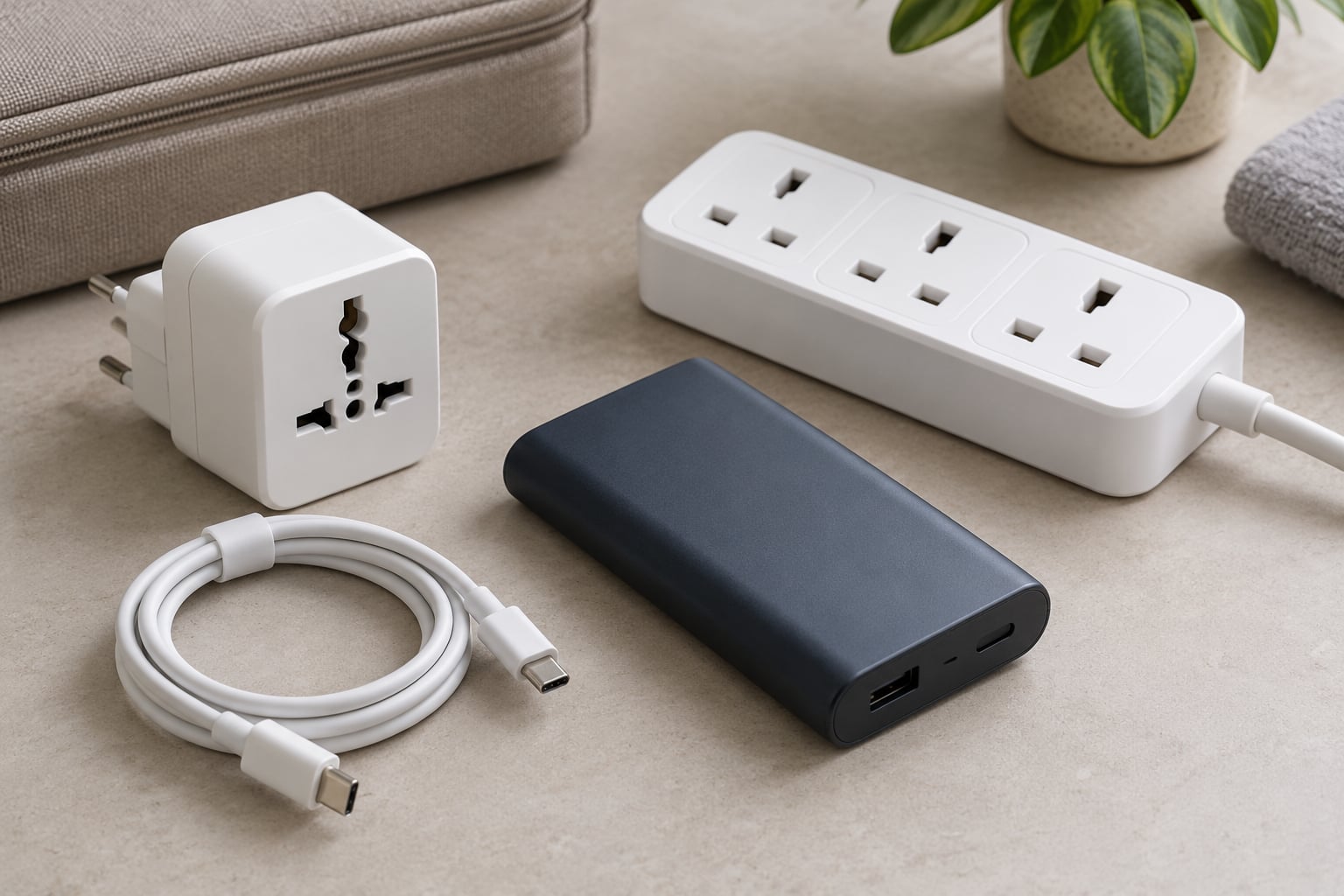
Most devices only need a plug adapter, not a voltage converter. If the charger label says something like Input: 100-240V, 50/60Hz, it will run on almost any country’s electricity and the only thing standing between you and a charged phone is a socket adapter. You need a converter only for single-voltage appliances such as hair dryers and kettles.
This takes about five minutes to sort out before you leave, and it is the difference between a phone that dies on day two and one that works the whole trip.
Table of Contents
- What You Need
- Step-by-Step: How to Charge Devices in a Foreign Country
- Check Your Device’s Voltage and Plug Type
- Choose the Right Plug Adapter or Travel Charger
- Connect the Charger Safely
- Use Hotels, Airports, and Public Power Safely
- Plan Around Battery and Power Limits
- Troubleshoot When a Device Will Not Charge
- Common Mistakes
- Frequently Asked Questions
- Do I need a voltage converter to charge my phone abroad?
- Can I use a US charger in a foreign country with just a plug adapter?
- How do I choose a power bank for international travel?
- Why is my device not charging even when the outlet works?
- Can I charge my phone with a power bank on a plane?
- Which plug type does my destination use?
- Conclusion
What You Need
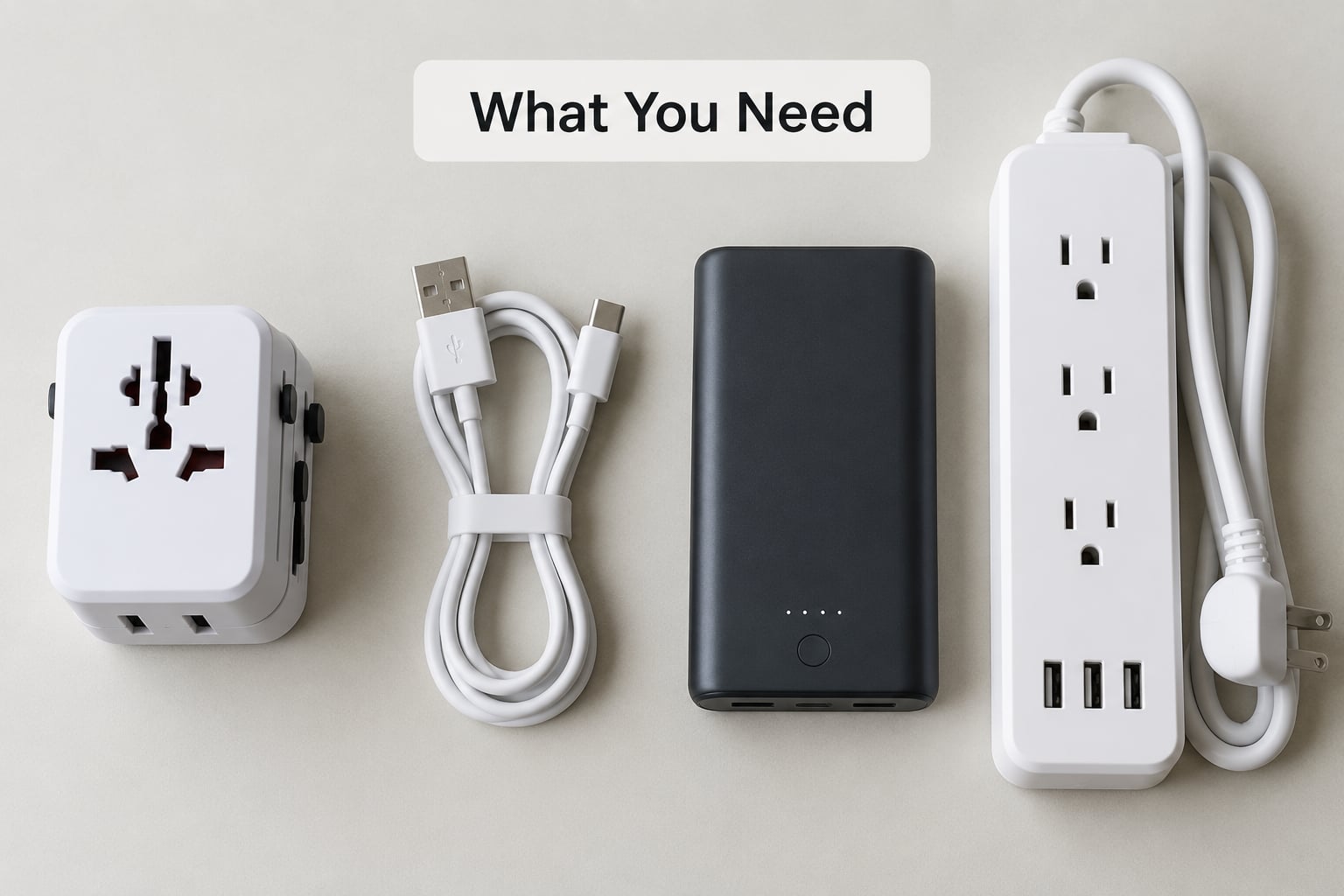
A short pre-trip audit covers everything. Spend five minutes before you pack rather than hunting for a charger in a dark hotel room.
- Your device labels. Every phone, laptop, camera and e-reader charger has its input voltage printed on the brick. Photograph them.
- A plug adapter for your destination. A single-country adapter is lighter; a universal one with interchangeable heads covers multi-country trips.
- Your own cables. Foreign sockets charge your phone. They do not give you a new USB cable, so pack the ones you actually use.
- A power bank. Sized to roughly two full phone charges is plenty for most trips.
- A multi-outlet strip if your accommodation has one socket and you travel with a partner or a laptop.
Before you commit to a battery, check whether your phone and laptop even need daily top-ups. Travellers who set up an eSIM data plan before departure often find they charge a phone every two days instead of every twelve hours, which quietly removes most of the stress from a two-week trip.
Step-by-Step: How to Charge Devices in a Foreign Country
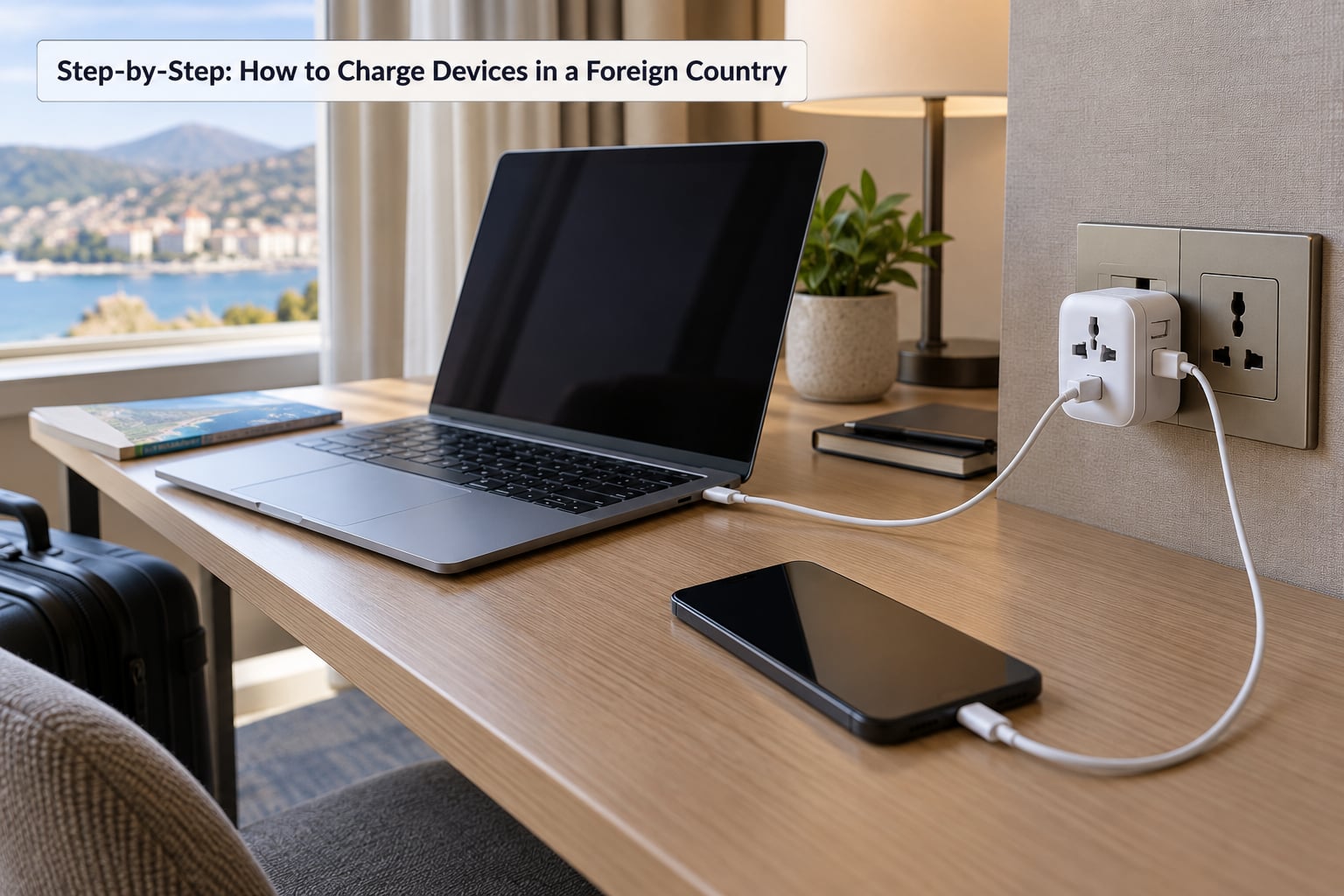
Check Your Device’s Voltage and Plug Type
Look at the small printed block on the charger brick, usually on the underside or the long flat face. You are looking for a line that begins with Input.
Input: 100-240V, 50/60Hz means dual-voltage. This covers essentially every country on earth, so your existing charger is fine.
Input: 120V, 60Hz or Input: 230V means single-voltage. That charger will not work at the other voltage, and forcing it can destroy the device.
Note the frequency too. 50Hz and 60Hz both appear in the dual-voltage label because chargers use switching power supplies that ignore the frequency. Only old motors, heating elements and clocks care about the difference.
A phone itself rarely has a label. The voltage lives in the wall plug it ships with, so check that brick, not the handset. Laptop chargers almost always read 100-240V, which is why most people need no more than an adapter for a laptop anywhere.
Choose the Right Plug Adapter or Travel Charger
Four options exist, and mixing them up is the most common expensive mistake travellers make.
| Option | What it changes | Typical size | Who needs it |
|---|---|---|---|
| Plug adapter | Plug shape only | Pocket size | Almost everyone |
| Voltage converter | Steps voltage down or up for small electronics | Bookbag size | Rarely, for low-wattage single-voltage gear |
| Transformer | Heavy-duty voltage conversion | Suitcase size | Hair dryers, kettles, shavers |
| Power bank | Nothing — stores energy locally | Pocket to bookbag | Long travel days, no outlets |
An adapter passes the local voltage through completely unchanged. That is exactly what you want for a dual-voltage charger and exactly what you do not want for a single-voltage one.
For anything with a USB-C cable, check the wattage. A 20W port handles a phone. A 30W port handles a small tablet. A 45W or 65W port is what a modern thin laptop needs, and this is the detail people miss: a low-watt travel adapter can fit perfectly and still charge a laptop at a trickle, or not charge it at all.
Experienced travellers on forums consistently favour adapters that stay in their bag for years over the cheapest ones, and their complaints cluster in the same place: sockets that fit loosely, and units with no USB-C.
Connect the Charger Safely
Plug the adapter into the wall first, then the charger into the adapter, then the cable into the device. That order keeps live metal out of your hands longest.
Match a two-pin charger to a two-hole socket where the country allows it. Ground is optional for low-power charging on many sockets, which is why a simple two-round-pin adapter works across most of continental Europe and much of Asia.
Stop immediately if you notice warmth beyond normal, a smell of burning plastic, buzzing, sparks or scorch marks around the pins. Unplug it and move to a different outlet. Never force a plug, and never leave a partially inserted adapter carrying load because a socket is worn loose.
Use Hotels, Airports, and Public Power Safely
Hotel rooms are where charging actually happens, and they are usually the worst-equipped sockets in the building. Bathrooms in particular often run low-wattage circuits for hair dryers, so a phone charger there may never reach full speed.
A few habits cover most of the risk:
- Use a power strip with a grounding pin and surge protection rather than a cheap flat multi-tap, which stacks adapters on adapters and puts strain on a socket.
- Keep your own cable. Foreign sockets, café tables and station platforms are where borrowed cables disappear.
- Do not leave a phone, camera or laptop unattended while it charges, especially in airports and on trains.
- Prefer a grounded outlet for a laptop rather than a two-pin socket where one is available.
Travellers posting about failed charging abroad repeatedly describe the same cause: a worn or slightly oversized socket that lets the adapter rock, so the connection drops in and out. That is a hardware fit problem, not a device problem.
Plan Around Battery and Power Limits
A power bank sized at roughly two to three full phone charges covers a long travel day without adding meaningful weight. Bigger adds little for a two-week trip and more restrictions on flights.
Airline rules on spare lithium batteries are strict and changed recently. Power banks belong in the cabin, never in checked luggage. From 1 May 2026 they must stay visible and within reach at all times on board, and they may not be recharged using the aircraft’s own power. Using one to charge a device is fine as long as it stays visible.
Whichever airline you fly, check its current wording before you travel, because the rules are enforced at the gate and the capacity limit is expressed in watt-hours rather than the milliamp hours printed on the casing.
For longer stays, spread the load rather than draining one battery daily. Lower screen brightness, airplane mode when the network is weak, and the low-power mode on your phone all add hours.
Troubleshoot When a Device Will Not Charge
Work through this order, cheapest cause first.
- Watch the charger itself. If its small LED or the phone’s charge indicator reacts when you reseat the plug, the power is reaching the adapter and the fault is downstream.
- Try the outlet beside it. A dead or half-live socket explains a surprising share of failures.
- Swap the cable. A cable that charges at your desk but not abroad is usually a cable with a marginal data pin.
- Reseat the adapter firmly and check for play. Wobble means a socket fit problem, not a device problem.
- Clean the charging port gently with a dry soft brush or a wooden toothpick. Pocket lint causes slow and failed charging more often than anything else.
- Check wattage. A fitting adapter with insufficient output can charge a phone at a trickle or nothing at all.
- Restart the device. A phone that has been at two percent for hours sometimes needs a full shutdown before it accepts charge.
If the cable, the outlet and a second device all behave normally and the battery still refuses, the port or the battery is the likely fault, and no adapter will fix it.
Common Mistakes
Almost every charging problem abroad traces back to one of six errors.
Assuming a plug adapter converts voltage. It changes the plug shape and nothing else. Plug a single-voltage 120V charger into a 230V socket through an adapter and you can cook it.
Packing a converter nobody needs. Hefty transformers are the single most over-bought travel item. If every one of your devices reads 100-240V, an adapter alone is the whole job.
Buying a USB-A-only adapter. If your phone or laptop charges over USB-C, an adapter with only full-size USB-A ports will not help you.
Ignoring wattage. A 20W adapter will not fast-charge a 65W laptop. It may not charge it at all, which sends people hunting for faults that do not exist.
Trying to buy one at the destination. Airport and hotel shops carry the wrong type, charge heavily, and are often the only ones open at midnight.
Leaving devices to charge unattended. A phone left in a café is a phone you will not see again.
Two quick tips finish the job. Label every cable and adapter with the destination they belong to before you pack, and test your full setup at home by plugging your charger into the adapter with the adapter upside down, which mimics the looser sockets you will meet abroad.
Frequently Asked Questions
Do I need a voltage converter to charge my phone abroad?
Almost certainly not. Phone and laptop chargers read Input: 100-240V, 50/60Hz, which covers every country’s mains electricity, so a plug adapter that changes the socket shape is all you need. A voltage converter is only required for single-voltage appliances such as hair dryers, kettles and electric shavers. Check the label on your charger brick rather than assuming, and if it shows a range, you are covered.
Can I use a US charger in a foreign country with just a plug adapter?
Only if the charger accepts the local voltage and its plug passes through the adapter. A plug adapter is a passive socket changer; it does not raise or lower voltage. Read the Input line on your charger. If it lists 100-240V, you can use it in most countries with the right adapter shape. If it lists only 120V or only 230V, you need a local charger instead.
How do I choose a power bank for international travel?
Match it to your devices rather than to a marketing number. Roughly two to three full phone charges suits most trips, while a laptop user needs far more. Check the output ports and maximum wattage, and confirm the capacity falls inside your airline’s current limit, which is expressed in watt-hours. Battery-safety features matter more than a large number on the box, and an older unit is often worth replacing before a long trip.
Why is my device not charging even when the outlet works?
Start with the simplest checks. Reseat the adapter firmly and try a different outlet, then swap to a known-good cable, since cables with marginal data pins fail quietly. Clean lint from the charging port gently with a dry soft brush or a wooden toothpick. If the adapter rocks in the socket, the fit is the cause. Finally, confirm the charger has enough wattage for your device, because a low-wattage adapter can charge a laptop at a trickle or not at all.
Can I charge my phone with a power bank on a plane?
Yes, provided the rules are followed. Power banks must travel in the cabin rather than checked luggage, and from 1 May 2026 they have to stay visible and within reach at all times during the flight. You may not recharge a power bank from the aircraft’s own power sockets. Carrying two power banks together has tightened on many airlines, so check your carrier’s current wording before you travel.
Which plug type does my destination use?
Type A and B are North America and Japan, at 100V. Type C, E and F cover most of continental Europe at 230V, while the United Kingdom, Ireland and much of the Gulf use the larger Type G, also 230V. Australia and New Zealand use Type I at 230V. Type K is Poland and Type L is Italy and Chile. If your trip covers several regions, a universal adapter with interchangeable heads is less fuss than three separate ones.
Conclusion
Before anything else, photograph every charger label in your bag and note which ones read 100-240V. Then pack the matching plug adapter for your destinations, a cable for each device you will actually charge, and one power bank as a backup, then test the setup before you leave. Everything else on this list is a variation on those three moves.
For more on the gear side of travel, our destination and trip planning guides cover packing lists and long-stay practicalities.