For most trips, an eSIM wins on speed and convenience, and a physical SIM still wins in a few specific situations. If you’re away for three weeks or less on an unlocked, eSIM-capable phone, install a travel eSIM before you fly and leave the SIM tray alone. If you have an older phone, a month-plus stay in one country, or you need a local number for restaurant bookings, buy a prepaid physical SIM on arrival.
That is the short version of esim vs physical sim for travelers, and it matters because the decision affects your trip budget, your airport time, and whether your banking codes still arrive. Here is how each one actually works.
eSIM advantages
- Instant activation — a QR code installs the plan before you leave home, so you have data the moment you land.
- Keeps your home number — your regular line stays in the tray and still receives calls, texts and two-factor codes.
- Many plans, one phone — swap between regional or country plans without touching hardware.
- No airport queue — nothing to buy at the arrivals hall and no passport scan at a telecom counter.
Physical SIM advantages
- Works on any phone — including older models and some phones sold in regions with no eSIM support.
- A local phone number — useful for reservations, delivery addresses and local apps that expect domestic digits.
- Cheaper over long stays — monthly prepaid plans usually beat day-pass data pricing once you’re past a month.
- Nothing to wipe — a factory reset doesn’t erase a plastic card, and you can hand it to a friend.
Table of Contents
- eSIM vs Physical SIM for Travelers at a Glance
- What Is the Difference Between an eSIM and a Physical SIM?
- Setup and Activation: Which Is Faster?
- Setting up an eSIM before you leave
- Buying and activating a physical SIM abroad
- Device Compatibility and Phone Requirements
- How to check if your phone takes an eSIM
- Coverage, Network Choice, and Connection Quality
- Cost, Data Plans, and Avoiding Unexpected Charges
- What a typical 10-day trip costs
- Battery Life, Data, and Day-to-Day Reliability
- Security, Privacy, and Lost or Stolen Devices
- Which Should You Choose?
- Frequently Asked Questions
- Is an eSIM better than a physical SIM for international travel?
- Can I use an eSIM and a physical SIM at the same time?
- Do I need an unlocked phone to use a travel eSIM?
- What happens if my eSIM does not work when I arrive?
- Are travel eSIMs cheaper than buying a physical SIM abroad?
- Can I use an eSIM for a trip to a rural island or remote destination?
- The Short Answer
eSIM vs Physical SIM for Travelers at a Glance
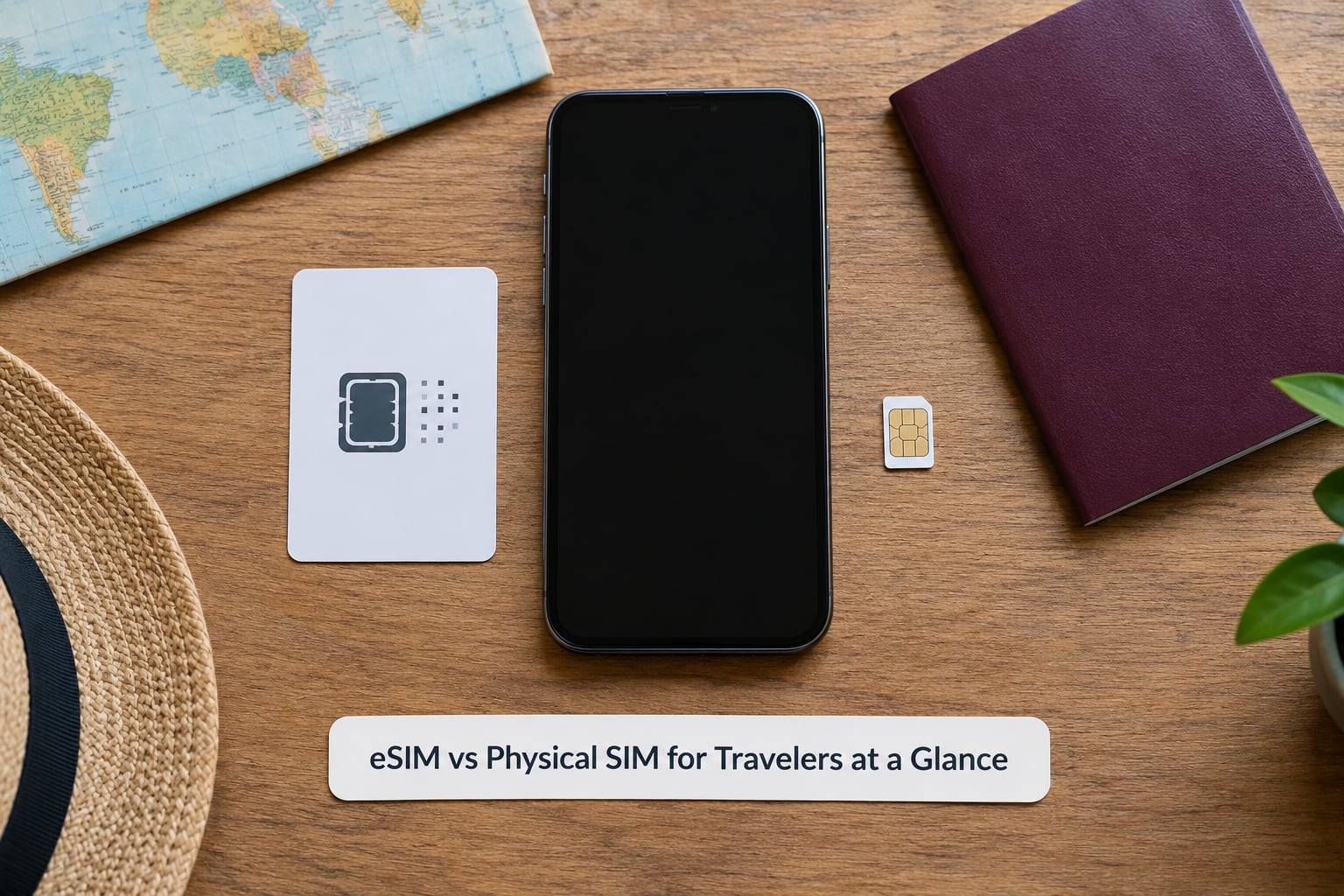
The table below is the fastest way to see which option fits your trip. Read the “Best for” row first, then check the phone requirement.
| Criterion | eSIM | Physical SIM |
|---|---|---|
| Setup time | About five minutes before departure | 30 to 90 minutes once you find a shop |
| Device requirement | eSIM-capable, carrier-unlocked phone | Any phone with a nano or micro SIM tray |
| Cost shape | Per-trip data bundles, cheap for short stays | Monthly prepaid plans, cheaper for long stays |
| Coverage and network choice | Set by the provider’s partner carrier in each country | Local carrier, often several to choose from |
| Local phone number | Usually data-only, no domestic number | Often included with voice and SMS |
| Physical durability | Nothing to lose, nothing to bend | Small card that can be lost or damaged |
| Security | Harder to pull out, harder to duplicate | Removable, so SIM-swap fraud is possible |
| Switching plans | Delete a profile, install another | Swap the card, re-enter PINs |
| ID registration | Often done online before arrival | Passport scan at the shop in some countries |
| Best for | Short trips, multi-country hops, business travelers | Long single-country stays, older phones, local numbers |
What Is the Difference Between an eSIM and a Physical SIM?
Both do the same job: they tell your phone which mobile network to talk to and which account to bill. The difference is where that information lives.
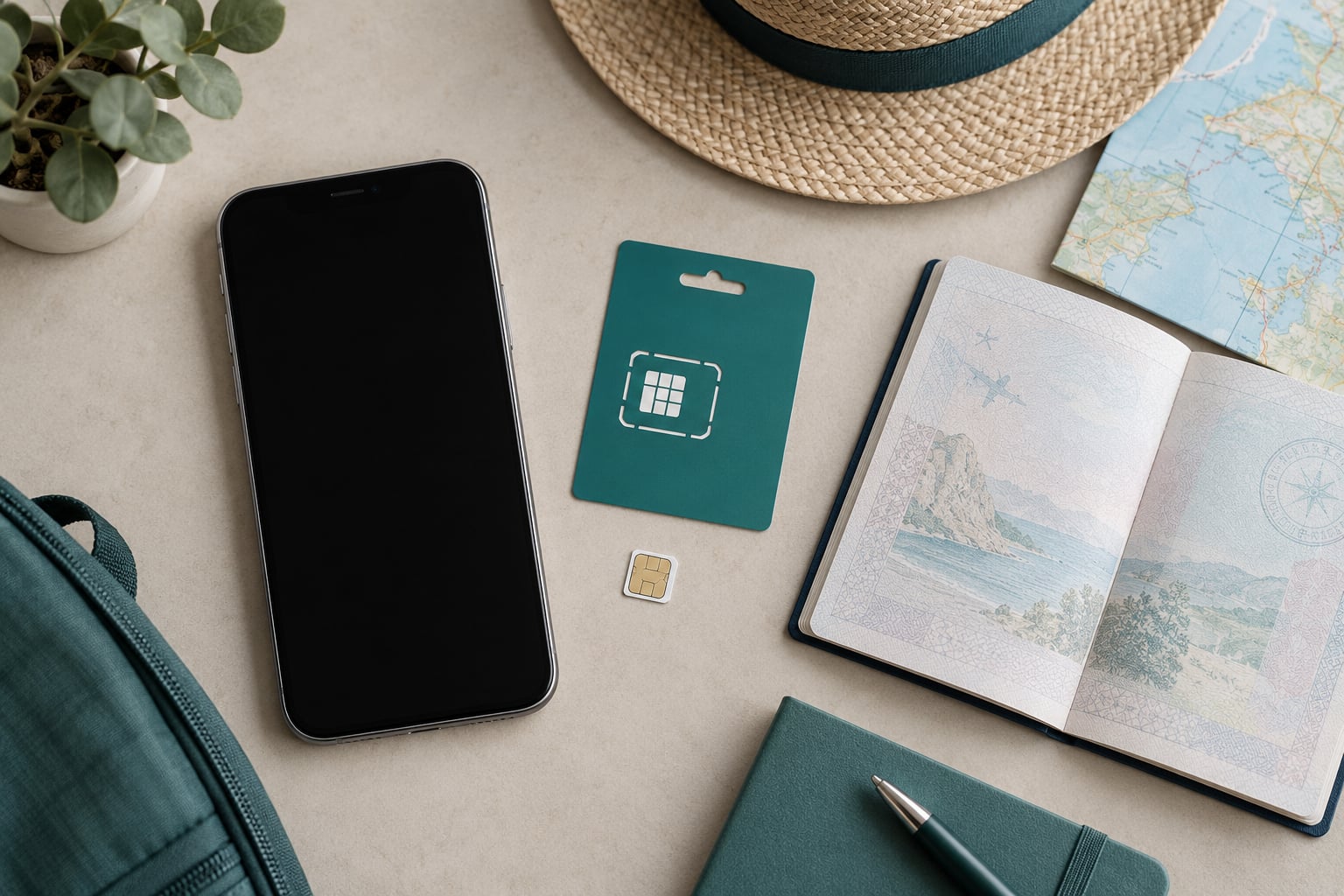
A physical SIM is a removable plastic card, roughly the size of a fingernail in nano form. It holds a chip with your subscriber identity, and you slide it into a tray on the side or bottom of the phone. A technician in a shop often configures it for you, or you punch out the plastic to match your phone’s tray size.
An eSIM, short for embedded SIM, is that same chip soldered onto the phone’s mainboard during manufacture. What you add is a profile — a digital package of carrier settings and your account details — downloaded over the air. Nothing goes in the tray. You can hold several profiles and delete them when the trip ends.
Worth knowing: the physical SIM comes in four sizes — standard, mini, micro and nano. Travel almost always uses nano. If you still have an old card from a previous trip, it may be a micro or mini that needs trimming, which is not worth doing in an airport.
Plan types cut across both formats. Prepaid means you pay before you use it. Postpaid means a monthly bill with usage billed after the fact. International roaming is your home carrier letting you use another country’s network at their rates. A regional eSIM is a data bundle covering several countries at once. None of these describe the hardware, only the billing arrangement.
Setup and Activation: Which Is Faster?
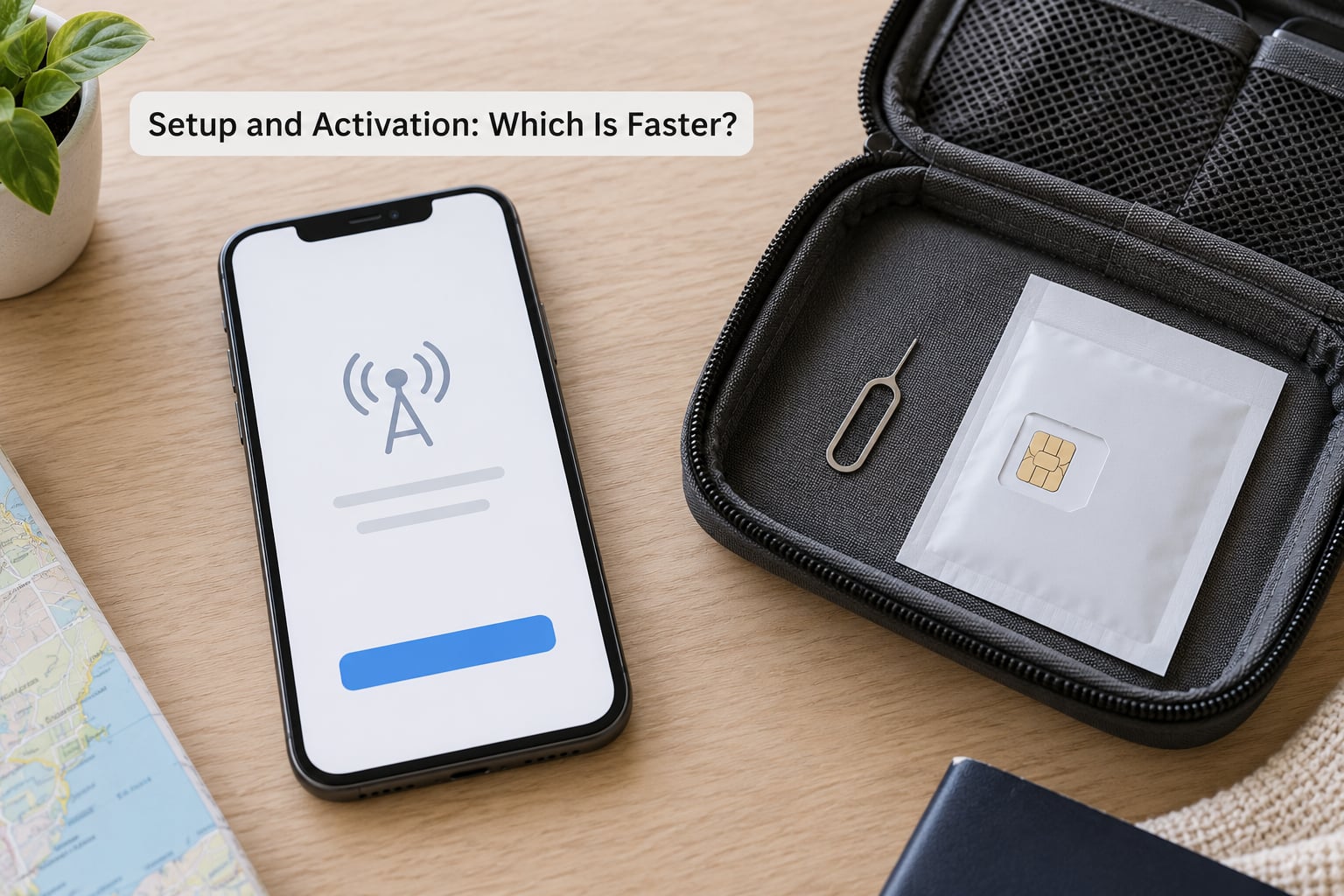
The eSIM takes minutes and can be done at home. The physical SIM takes an unpredictable amount of time that starts the moment you walk off the plane.
Setting up an eSIM before you leave
- Check compatibility first. Look up your exact model in your phone’s settings, or search the model name with “eSIM”. Confirm the carrier holding your phone is not locking it.
- Pick and pay for the plan from a travel eSIM provider or your home carrier’s international add-on. Regional bundles usually cover several countries; single-country plans are cheaper.
- Get the QR code by email. This is why you install at home — on Wi-Fi, not on airport captive portals.
- Scan it. On iPhone: Settings, Cellular, Add eSIM, then scan. On Android: Settings, Connections, SIM manager or Mobile network, Add eSIM, scan. Add a label like “Japan” so you recognise it later.
- Set it as the data line and turn off roaming on your home line so you are not billed twice.
- Toggle, don’t remove. On arrival you switch the mobile data line from your home SIM to the travel profile. Coming home, two taps reverses it. Nobody on the Rick Steves forum enjoys physically swapping cards on a plane, and this is the fix they keep recommending.
One rule catches people out: most travel eSIM profiles only start counting their validity period when they first connect to a supported network. Buy a week before you fly, not three months before, or you may arrive to a plan that has already started aging.
Buying and activating a physical SIM abroad
- Find a carrier shop in the airport, station or city centre. Airports are convenient and reliably overpriced; downtown shops are cheaper and better staffed.
- Bring your passport. Many countries now require the card’s holder to be registered on the spot.
- Ask for the touristic SIM, not the local one. It’s the same number of minutes with far less paperwork.
- Check which networks your card supports. Some carrier shops “unlock” the phone for a fee; others just sell a card that works locally.
- Set the APN if data isn’t working. The shop usually does this, and the settings live under mobile network settings on both platforms.
- Store your home SIM somewhere safe and labelled, because you’ll want it back.
A few forum travellers prefer the physical SIM for the opposite reason: staff at a carrier counter physically configure the card for you, and they hand you a working phone. That’s worth something when your flight lands at midnight.
Device Compatibility and Phone Requirements
The single biggest failure travelers hit is buying a plan for a phone that can’t take it. Check before you spend anything.
How to check if your phone takes an eSIM
Three checks, about two minutes total. First, look up your exact model number in the device settings — on iPhone it’s under General, About; on Android it’s usually in Settings, About phone. If the model supports eSIM, you will find an option to add one in the cellular menu even with no plan installed.
Second, confirm the carrier is not locked. An iPhone bought on a contract or through a carrier shows a message about the lock, and some Android models are tied to specific carriers. If a carrier sold it and still holds the lock, it will refuse an eSIM from anyone else.
Third, check regional hardware. Some models sold in mainland China and a few carrier variants in the United States ship without eSIM support at all. The same model number can differ by region, so verify yours rather than the family.
Broadly, iPhones from XS onward support eSIM, most Samsung Galaxy flagships from the S20 generation onward do, and Google Pixels from the Pixel 3 onward do. Mid-range and budget Android phones are patchier. If you have no idea what you own, check the model number first — it takes less time than a failed eSIM install at the airport.
On the physical side, the only requirement is a working SIM tray. That’s the argument for the plastic card: it will fit a phone bought five years ago, a cheap backup handset, or a device you bought in a market with no eSIM at all.
Coverage, Network Choice, and Connection Quality
An eSIM does not give you a better signal than a physical SIM. The radio in your phone and the tower you can see decide that. The SIM format is a filing system.
What does change is which networks you can land on. A physical SIM from a local carrier connects to that carrier’s network and its partners. An eSIM uses whichever network the provider has an agreement with in each country, which is often not the strongest one available. On the Rick Steves forum, travellers describe a travel eSIM that connected on a partner network rather than the local brand they expected, with reception that was slightly less solid in one spot but perfectly usable everywhere else.
Quality complaints are real and worth taking seriously. In one Phuket group, a traveller reported an eSIM trip full of signal dropouts and recommended a local SIM instead. That is the honest downside vendors rarely mention: two providers selling similar plans can have very different results because their partner networks differ.
So before buying, check which carriers the plan actually uses in your destination. A provider with three partner networks will beat one with a single partner, particularly in rural areas where a single network leaves gaps. Check 5G support too, and remember that roaming from your home carrier — the third option — often pins you to a weaker partner network for the same reason.
Cost, Data Plans, and Avoiding Unexpected Charges
Rates vary by country, carrier and trip length, and they change, so check current pricing before you commit. What is stable is the shape of each option’s cost.
Roaming is the one to be careful with. Your home carrier’s international day passes and per-megabyte rates run far above local prices, and the thresholds are easy to misread. Some plans throttle hard once you pass a daily allowance, which turns a video call into a buffering exercise.
Travel eSIMs are priced by data volume and duration, so you pay for what you actually need. The trap is buying far more than you use. Forum travellers consistently report modest numbers for city trips — a few gigabytes covering maps, messaging and schedule apps over a week or two. Route planning, photo uploads and hotspot tethering are what burn through a bundle; streaming video will finish it in an evening.
What a typical 10-day trip costs
Compare three numbers on the same trip: your home carrier’s roaming cost for that trip, the cheapest tourist prepaid plan available at your destination, and a 10-day travel eSIM bundle sized for a few gigabytes. The third usually wins by a wide margin for short trips.
For a month in one country, the order flips. Monthly prepaid plans in most countries undercut per-GB travel pricing once you’re past about four weeks, and long-stay eSIM bundles exist too but cost more per gigabyte. Fodors community members make this point often: one country, one long stay, and a prepaid card is usually the cheaper path.
Watch the extras regardless of format. Registration or activation fees, top-up minimums, local taxes, and data overage rates all apply. Most reputable plans show the full allowance in writing before purchase, which is a good sign and worth checking.
Battery Life, Data, and Day-to-Day Reliability
Two active lines cost you battery. A phone with both a home SIM and a travel eSIM keeps two modems registered, and that extra radio searching for a signal shows up at the end of a long walking day. The fix is simple: keep the travel profile switched on only while you need data, and disable your home line’s roaming rather than disabling the line itself so codes still get through.
On data usage, a physical SIM gives you more control. Local prepaid plans often come with generous allowances at a flat monthly rate, which suits a month of hotspot tethering to a laptop. Data-only eSIMs vary widely, and some cap tethering or throttle after a high-volume threshold. Read for the word hotspot before you plan to work from your phone.
Reliability is where the formats tie. Reception quality depends on the network, not the card, and both options end up on whichever tower serves your location. The practical differences are human: an eSIM cannot be stolen, and it cannot stop working because a nano card cracked in the tray. A physical SIM can be handed to a friend, and a shop can reissue it in minutes if it fails.
One real risk worth planning for: an eSIM profile is tied to the device it was installed on, and a factory reset removes it. Back up your phone, and never factory-reset mid-trip.
Security, Privacy, and Lost or Stolen Devices
A physical SIM is a removable target. If a thief takes your unlocked phone, they can pull the card, insert it into another device, and take over the number — SIM-swap fraud, and the reason many banking apps now rely on app-based codes rather than SMS.
An eSIM removes that attack surface. The profile is stored in secure hardware, cannot be lifted out and dropped into another phone, and deleting it requires the phone’s passcode. Remote wipe works the same as before.
Neither option protects you from account takeover by itself. A stolen phone with a weak passcode is a stolen phone. Set a strong passcode, enable two-factor authentication on the carrier account itself, and use an app authenticator rather than SMS where you can. Those three steps matter far more than which format you chose.
Switching SIMs does not affect your photos, your apps, or your cloud backups. The SIM only supplies the network connection, so photos keep syncing whenever you have data, and GPS works without mobile data once maps are downloaded. This comes up constantly on travel forums and it is almost always a non-issue.
Which Should You Choose?
Match the option to the trip rather than to the trend.
- Weekend city break — eSIM. Install it before you leave and the phone works on the taxi from the airport.
- Multi-country trip — eSIM. One regional plan covers several countries and you avoid a shop queue at every border.
- Business travel with two-factor codes — eSIM plus your home line. Your home number stays reachable while data runs on the travel profile.
- Month-plus in one country — physical prepaid SIM. Monthly rates are cheaper and you get a local number.
- Older or carrier-locked phone — physical SIM. It is the only option that works.
- Budget travel where you need calls — physical SIM. Local numbers reach local restaurants, taxis and guesthouses more reliably.
- Remote destination with thin coverage — physical SIM from a carrier with the widest map, or check that your eSIM plan has multiple partner networks before buying.
- Frequent flyers who switch carriers often — eSIM. Profiles are deleted and reinstalled in minutes, no tray tools required.
Frequently Asked Questions
Is an eSIM better than a physical SIM for international travel?
Usually, yes. For trips of about three weeks or less on an unlocked, eSIM-capable phone, an eSIM is faster to set up, needs no shop visit on arrival, and keeps your home number active for banking codes. A physical SIM makes more sense for month-plus stays in one country, older phones, or trips that need a local voice number.
Can I use an eSIM and a physical SIM at the same time?
Yes. Most eSIM-capable phones run two active lines at once, so you can keep your regular nano SIM in the tray for calls and SMS while a travel eSIM handles data. You simply switch which line is the mobile data line in your settings. Note that two active lines use more battery than one.
Do I need an unlocked phone to use a travel eSIM?
You need a carrier-unlocked, eSIM-capable phone. If a carrier sold your device and still holds the lock, it will reject an eSIM from any other provider. Check for a lock notice in your phone’s settings before you buy a plan, and confirm your exact model supports eSIM in your region.
What happens if my eSIM does not work when I arrive?
Most problems are fixable in a few minutes. Turn airplane mode on and off, check that the travel profile is set as the mobile data line, and confirm roaming is enabled on that line. Then restart the phone. If it still fails, your provider usually can push a fresh QR code or reissue the profile remotely.
Are travel eSIMs cheaper than buying a physical SIM abroad?
For short trips, usually yes, because a data-only bundle avoids the activation time and shop markup a local prepaid card carries. For stays longer than about a month, monthly prepaid plans in most destinations are cheaper per gigabyte. Compare your home carrier’s roaming cost too, which is typically the most expensive option of the three.
Can I use an eSIM for a trip to a rural island or remote destination?
You can, but coverage depends entirely on which networks the provider partners with in that country. Rural areas often have one or two operators, so a plan tied to a single partner may leave gaps. Buy from a provider supporting several networks, or bring a physical SIM from the local carrier with the widest map as a backup.
The Short Answer
Check whether your phone takes an eSIM tonight, not at the airport. If it does and the trip runs under three weeks, buy a travel plan, install it at home on Wi-Fi, and switch the data line when you land. If your phone is older or the stay runs past a month in one country, budget for a prepaid card and buy it downtown rather than in the terminal. Last updated for 2026 with current carrier and provider terms, which do vary by country and change over time.