Updated for October 2026
A phone sitting in direct sun picks up heat twice: the hot air around it transfers warmth straight into the body, and the sunlight itself is absorbed by the glass and metal. Add a bright screen and a running processor and you have a device that will throttle, dim, and eventually shut itself down. The good news is that most of this is preventable with a handful of habits you can set up before you leave the room.
Knowing how to keep your phone from overheating in the sun takes about five minutes of prep and a bit of judgment during the day. Most travelers lose a phone to heat at a beach, a trail, or a parked car, and almost every one of those losses was avoidable. Here is the sequence I use, in the order that matters.
Table of Contents
- What You Need
- Step-by-Step: How to Keep Your Phone Cool in the Sun
- Move the Phone Into Shade
- Reduce the Work Your Phone Is Doing
- Remove the Case and Let the Phone Rest
- How to Keep Your Phone from Overheating While You Charge It
- Watch Warning Signs and Know When to Stop
- Common Mistakes
- Frequently Asked Questions
- Can I put my phone in the refrigerator or freezer to cool it down?
- Should I remove my phone case if the device is hot?
- Is it safe to charge my phone in a parked car on a hot day?
- What should I do if my phone gets wet while trying to cool it?
- How can I tell whether heat has damaged my phone battery?
- Conclusion
What You Need
You do not need a gadget bag for this. Five things cover it.
- Shade — an umbrella, a hat, a canopy, a towel draped over a bag. Shade is worth more than any accessory.
- Your normal case, and the ability to take it off — a case is protection from drops and a barrier to heat dissipation at the same time.
- A charging cable and a power bank for the hours when a socket is not available, plus a bag to keep them out of the sun.
- Water — for you, and a dry cloth if you have one. Not for dunking the phone; we get to that below.
- Your manufacturer’s temperature and battery guidance — Apple, Samsung and Google all publish safe operating ranges, and they differ slightly by model.
If you want the battery story before you go, check it on your phone first. On an iPhone it is Settings > Battery > Battery Health; on a Google Pixel it is Settings > Battery > Battery diagnostics; on a Samsung Galaxy it is Settings > Battery and Device Care > Battery. A battery already past 80 percent capacity will run hotter than a healthy one in the same conditions.
Step-by-Step: How to Keep Your Phone Cool in the Sun
Move the Phone Into Shade
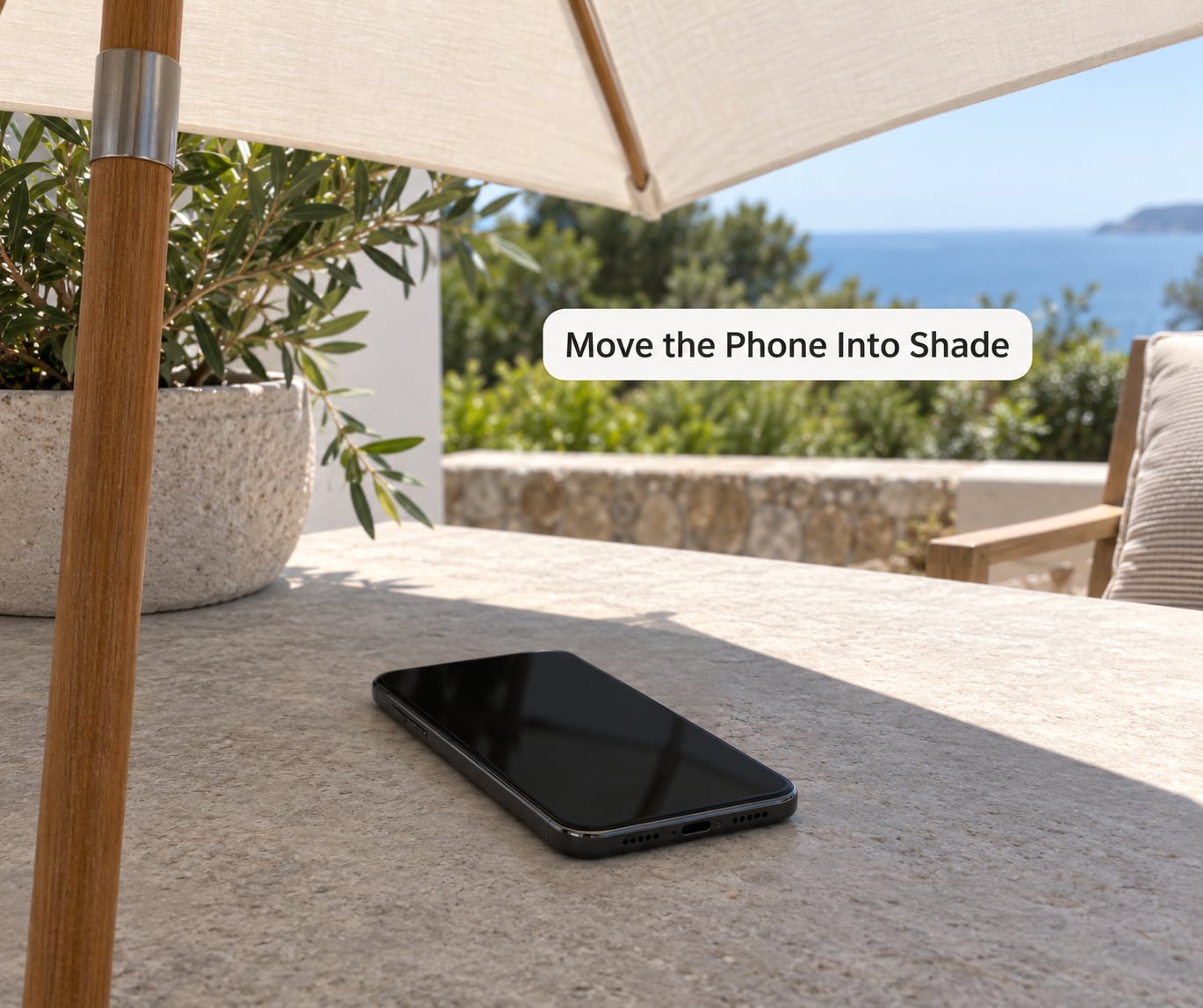
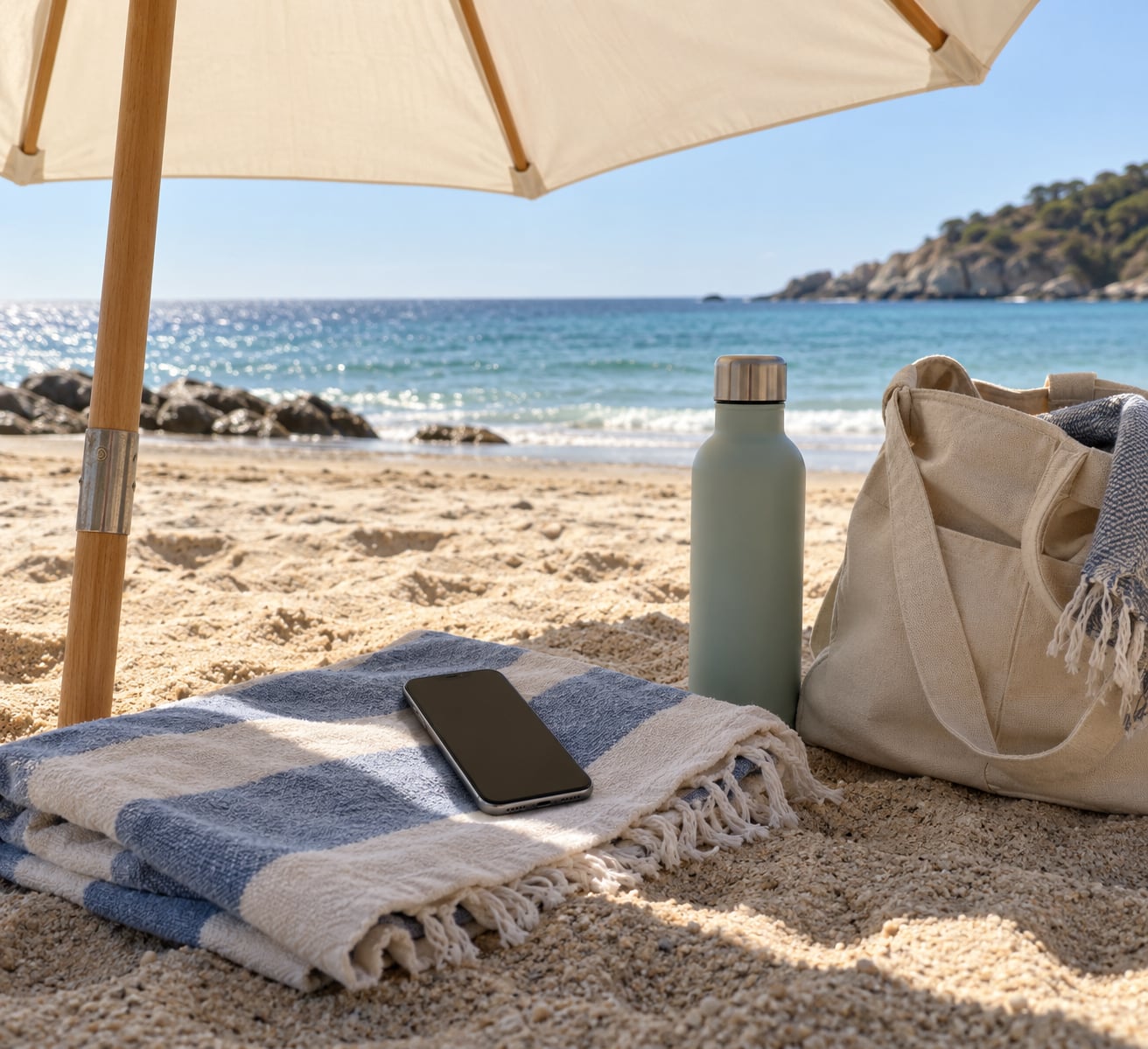
Sunlight is the single biggest contributor, so it gets dealt with first. Radiant energy hits the back of the phone, where the battery sits, and a dark case absorbs it faster than a bare one. Move the phone into shade before you change anything else on it.
While it is exposed, keep navigation and camera use short. Both are demanding: continuous GPS locks and video recording are among the heaviest things a phone does, and starting them while the device is already warm guarantees a temperature warning within minutes. Take the readings first, then the photos.
A watch on a bike handlebar or a stem mount holds the phone upright in the sun for the whole ride, which is its own heat problem. Carry the phone low on your body or in a chest pocket between signals, and remount it when you need the screen.
Reduce the Work Your Phone Is Doing
Lower the screen brightness. A screen pushed to maximum in sunlight draws noticeably more power than the same screen indoors, and that power becomes heat. Turn off auto-brightness and set a fixed mid-level instead — it looks dim at first but holds steady.
Stop video recording between clips. If you are shooting a long sequence outdoors, record in shorter pieces and pause, because the sensor and the encoder both idle slightly cooler.
Close the apps you are not using. Background app refresh, mail sync, and navigation running with the screen off will keep the processor busy while the phone sits in a pocket. On iOS, Settings > General > Background App Refresh; on Android, Settings > Apps and the per-app battery usage screen.
Switch on aeroplane mode when you have no signal and are not navigating. A phone searching constantly for a weak tower burns power and generates heat, and heat and a dead reception make a bad pair. Bluetooth and Wi-Fi are worth turning off for the same reason.
Remove the Case and Let the Phone Rest
If the phone is hot to the touch, power it down. A shut-down phone stops generating heat immediately and can actually get back to a comfortable temperature; one left on screen in the sun will not.
Disconnect anything plugged in, then take the case off. Cases — especially thick ones and hard waterproof ones — trap the heat the phone is trying to shed. Community advice on r/TheSilphRoad is consistent on this point: festival-goers get through a day on a mini umbrella and case-off, and neither really lasts a full day.
Set the phone on a dry, breathable surface at room temperature. Concrete, sand, and a car seat in full sun all conduct or hold more heat than an indoor table. Give it ten minutes before you power back on.
How to Keep Your Phone from Overheating While You Charge It
Charging generates heat of its own, and fast charging generates more. Plugging in a phone that is already hot is the most common way people turn a warm phone into a phone that shuts down.
Charge in the shade, on a hard surface, never under a pillow or cushion, and never inside a parked car in summer. A parked vehicle can climb well past what the outside temperature reads, and a charging battery in that environment is a genuinely risky combination.
A power bank warms up too. If you use one, keep it in an insulated pouch or under a layer of clothing rather than in a beach bag in the sun, and let the phone cool for a while before you top it up.
Watch Warning Signs and Know When to Stop
The signs arrive in a predictable order. The screen dims noticeably, performance slows as the processor throttles, a temperature warning appears, and at the limit the phone shuts down on its own.
When you see the warning, stop what you were doing. Disconnect the charger, get the phone into shade, and power it off. Photos and navigation stop working the moment it locks out, and that is the wrong time to find out whether your ride passes are backed up.
If it stays unusually hot after a full cooling period, or if the back is bulging, the screen is lifting, or the battery drains in a few hours, stop using it and get the device serviced. A swollen battery is a hardware fault, not something to manage.
Common Mistakes
These are the moves people try that make things worse, not better.
Putting the phone in a refrigerator or freezer. Never. Pulling a hot sealed device into freezing air condenses moisture inside it, and condensation on the battery contacts and board is a far worse outcome than a warm phone. The cold also makes the shell brittle and thermal-shocks the display.
Pressing an ice pack or a wet bag against the phone. Same problem in miniature: a fast temperature swing, and water right where the ports are. If you want moving air, a fan is the right instrument. Cool the phone slowly and in air instead.
Leaving it on a car dashboard or seat. Glass amplifies the effect, and metal bodies absorb and re-radiate. Put it in the glovebox, in a bag in the footwell, or take it with you.
Power-cycling a hot phone to “fix” it. Repeated restarts while the internals are still hot keep the processor from ever getting a real cooldown.
Keeping up heavy use while it is hot. Gaming, video calls, and fast charging all at once on a hot phone is the combination that produces shutdowns and, over time, degraded batteries.
A few habits cover most days. Charge and top up overnight indoors rather than in the day. Keep the case in a pocket, not on the phone, when you are out. Take the reading before the photo. Rest the phone in shade between demanding tasks. And check that battery health number before you travel, not after something goes wrong.
Frequently Asked Questions
Can I put my phone in the refrigerator or freezer to cool it down?
No. A hot sealed phone taken into cold air condenses moisture inside the case, and that water sits on the battery contacts and board. You also risk cracking the display from the sudden temperature change. Move the phone into shade or air conditioning, leave the case off, and let it cool on a dry indoor surface instead.
Should I remove my phone case if the device is hot?
Yes. A case insulates the body and slows the heat the phone is trying to dissipate, and hard waterproof cases trap more than most. Take the case off, unplug anything attached, and rest the phone screen-up on a dry, breathable surface at room temperature for ten minutes before switching it back on.
Is it safe to charge my phone in a parked car on a hot day?
No. Interior temperatures in a parked car climb well past the outside reading, and a lithium-ion battery charging in that heat is a real risk, not just a slow one. Charge in the shade on a hard surface, or wait until you are somewhere cool. Never charge under a pillow or cushion, where heat cannot escape.
What should I do if my phone gets wet while trying to cool it?
Turn it off, do not charge it, and do not put it in rice or a sealed bag with a desiccant you cannot verify. Let it air dry upright in a ventilated room with the ports facing down, and give it a full day or two before trying anything. Salt water and freshwater both need attention, and a wet phone showing heat symptoms should go to service.
How can I tell whether heat has damaged my phone battery?
Watch for a battery that drains far faster than it used to, unexpected shutdowns even when the charge level looks healthy, swelling or a screen that no longer sits flat, and heat that lingers after ten minutes in shade. Check the battery health reading in Settings and compare it to what it showed a year ago. Any physical bulge means stop using it and arrange service.
Conclusion
When a phone gets hot, the order of action is short: move it into shade, stop the demanding app, disconnect any charger, and leave the case off so it can cool on a breathable surface. Do not try to speed that up with cold water, ice, or a fridge.
If it is still unusually hot once it has cooled, check the battery health figure on your device and follow your manufacturer’s guidance about service. Doing the small things before you leave — checking that number, charging overnight indoors, keeping the case handy for a quick strip — is what keeps how to keep your phone from overheating in the sun from ever becoming an emergency.