Most travelers need somewhere between 300 MB and 1 GB of mobile data a day, and where you fall in that range depends almost entirely on navigation, video, and tethering. Light days run 150-300 MB, moderate days land around 400-700 MB, and heavy days push past 2 GB. Getting this figure roughly right before you leave is the difference between buying a plan that fits and buying one you will either ration or waste. Here is how to work it out without a calculator app.
Table of Contents
- How Much Mobile Data Do You Need Per Day of Travel?
- How much mobile data do you need per day of travel? A Quick Calculation
- What Uses the Most Data While Traveling?
- How Much Data Do You Need for Maps and Navigation?
- How Much Data Do You Need by Travel Style?
- How Does Roaming or an International eSIM Change the Calculation?
- How to Check Your Current Data Use Before Buying More
- Ways to Reduce Travel Data Without Losing Essential Tools
- Frequently Asked Questions
- Is 1 GB enough for one day of travel?
- Do offline maps use mobile data when I am lost?
- How much data does a video call use during a trip?
- Should I buy an international data plan for a one-week vacation?
- Can I use a travel eSIM and my regular SIM at the same time?
- Conclusion
How Much Mobile Data Do You Need Per Day of Travel?
The short answer, if you want it in one line: budget 500 MB a day as a baseline, double it if you stream or hotspot, and add 20 percent for the things you did not plan. That baseline assumes turn-by-turn navigation for most of the day, messaging, email, ride-hailing, and light social media browsing on standard settings.
What blows the budget is rarely the obvious stuff. It is video autoplay in the background, photo backup to the cloud on a hotel Wi-Fi that turns out to be terrible, and the fact that the transit map app you downloaded at home never finished downloading.
| Traveler type | Typical day | Per day | Per week (7 days) |
|---|---|---|---|
| Light: offline maps, texts, email, occasional lookups | Navigation 2 hours, email twice, 20 minutes of scrolling | 150-300 MB | 1-2 GB |
| Moderate: maps all day, rideshares, music streaming, daily social posting | Navigation 4 hours, 20 calls, 2 hours of music and social | 400-700 MB | 3-5 GB |
| Heavy: video calls, streaming, hotspot tethering, photo backup | Navigation plus 1-2 hours of video and daily tethering | 1.5-3 GB | 10-20 GB |
| Video-streaming traveler: one movie a day | Maps plus 700 MB-1.5 GB per film | 1.5-2.5 GB | 10-17 GB |
Two hours of mapping barely registers. Someone on the Rick Steves travel forum reported using 500 MB over five days with a map app, email, and a transit app download, and another user there said 2 GB covered three weeks in Italy with a fully working phone. Those are real travelers with real numbers, and they sit at the light end of my table.
How much mobile data do you need per day of travel? A Quick Calculation
Four steps, and you can do it in about two minutes with the per-hour rates in the next section.
- List your activities. Navigation, ride-hailing, music, video calls, streaming, social media, email, photo backup, tethering. Include the ones you do at home, not just the ones you think about.
- Multiply each rate by how long you will do it. Four hours of driving plus two hours of music, not “some maps and some music”.
- Add them up. That is your honest baseline for one day.
- Round up by a fifth. Detours, unfamiliar apps downloading at the airport, and a reroute because you missed the exit are the rule, not the exception.
Worked example. A moderate traveler navigates 4 hours (about 60 MB), runs a ride-hailing app all day (100 MB), streams music for 3 hours (about 60 MB), scrolls social media for 90 minutes (about 150 MB), checks email and booking confirmations (50 MB), and makes one 20-minute video call (200 MB). That totals roughly 620 MB, and a 20 percent buffer brings it to about 750 MB for the day.
Multiply that by your trip length and you have your number. Seven days of moderate use comes to about 5 GB. Fourteen days comes to about 10 GB. Those two figures answer the questions people search for most, and they match what travelers report.
What Uses the Most Data While Traveling?
Ranked by typical consumption, video sits at the top by a wide margin and navigation sits near the bottom, which surprises most people who assume maps are expensive. These are approximate rates at default settings; switching to low data mode, offline downloads, or standard-definition video can cut each of them substantially.
| Activity | Approx. per hour | Per typical travel day | What changes it |
|---|---|---|---|
| Streaming video (standard definition to high definition) | 700 MB-3 GB | 2-5 GB if you watch a film | Downloaded over Wi-Fi costs nothing on cellular |
| Video calls (FaceTime, WhatsApp, Zoom) | 100-500 MB | 200-800 MB per call | Screen sharing and HD video push it up sharply |
| Social media browsing (Instagram, TikTok, Reddit) | 100-200 MB | 300-600 MB | Autoplay video in the feed is the biggest drain |
| Photo and video backup to the cloud | Steady trickle | 500 MB-2 GB | Happens on cellular whenever Wi-Fi is weak |
| Automatic app and system updates | Bursts | 100-500 MB | Often runs unattended overnight on hotel Wi-Fi |
| Web browsing and booking sites | 50-100 MB | 150-300 MB | Heavy image-heavy hotel and restaurant sites |
| Email (mostly text, attachments off) | 20-50 MB | 50-100 MB | Turning off image auto-download saves most of it |
| Music and podcast streaming | 40-70 MB | 100-200 MB | Downloaded playlists are near zero on cellular |
| Ride-hailing and transit apps | 40-100 MB | 80-200 MB | Maps inside the app double the usage |
| Turn-by-turn navigation | 5-20 MB | 50-200 MB | Satellite view, 3D buildings, and live traffic add several MB an hour |
| Messaging (text, images, voice notes) | 5-20 MB | 20-60 MB | Voice notes are heavier than text |
Two things distort every number above. The first is video quality: standard definition versus high definition is often a threefold difference on the same content. The second is network conditions, because a weak signal makes your phone re-request data it already failed to download, which quietly inflates the total.
How Much Data Do You Need for Maps and Navigation?
Expect 5-20 MB per hour of turn-by-turn navigation, which works out to roughly 50-200 MB for a full day of driving. Apple Maps users tend to report about 1 MB per 10 miles, so an hour of highway driving costs only a few megabytes while an hour of dense city navigation with frequent reroutes costs noticeably more.
Your GPS chip itself uses no data at all. It only receives a position signal from satellites. What consumes data is the map software drawing the street network on top of your location, one tile at a time.
That distinction matters because it explains why a road trip does not automatically equal heavy data use. One user on a running forum pointed out that the GPS receiver draws nothing and the map tiles are the only cost, so a long straight highway with the offline map downloaded uses almost nothing. The same driver crawling through stop-start city traffic with live traffic enabled uses far more.
The expensive toggles are satellite view, 3D buildings, and continuous live traffic refresh. Each adds a few megabytes an hour, and they stack. Turn them off and a full navigation day can drop toward 50 MB.
On Reddit, one person driving six hours a day for six weeks with Google Maps estimated their usage could reach 7.5 GB across the trip. That is a good reminder of why someone navigating heavily for weeks should plan in gigabytes rather than megabytes.
How Much Data Do You Need by Travel Style?
Travel style changes the mix more than the total. A beach week with an offline map and a paperback is a light-data week. A working week in a foreign city with daily video calls is a heavy one even without a single film streamed.
| Trip length | Light user | Moderate user | Heavy user or tethering |
|---|---|---|---|
| 3 days | 1 GB | 2 GB | 5 GB |
| 7 days | 2 GB | 5 GB | 15 GB |
| 14 days | 4 GB | 10 GB | 30 GB or unlimited |
| 21 days | 6 GB | 15 GB | Unlimited recommended |
| 30 days | 8 GB | 20 GB | Unlimited or 40 GB |
Those columns answer three questions people type directly into search. Ten GB is enough for two weeks for a moderate user but tight for a heavy one. Twenty GB covers two weeks comfortably and a month for a moderate user. Twenty-five GB is fine for a month if you are not streaming film or tethering all day.
A few style-specific notes:
- Road trips. Budget 150-250 MB a day for navigation and let the rest of the plan absorb music, quick lookups, and photos. Download the map regions before you leave, in range of hotel Wi-Fi.
- City breaks. Budget 500-800 MB a day. Walking around generates more lookups, photos, and ride-hailing traffic than a day behind a windshield.
- Beach holidays. Budget 150-300 MB a day, but keep one eye on the tethering number. A phone hotspoting a tablet for two hours of offline movies can use more than the rest of the day combined.
- Business travel. Budget 1-2 GB a day. Email with attachments, a VPN, video meetings, and screen sharing stack up quickly, and business travelers on Reddit describe their usage as unpredictable for exactly that reason.
- International multi-country trips. Buy one regional or multi-country allowance rather than per-country plans, and check that every border crossing is covered before departure.
- Cruises and ships. Satellite data aboard ship is expensive and the packages are hard to reason about in advance. Bring offline maps, downloaded entertainment, and treat connectivity as a bonus.
One Japan trip reported on Reddit used 20 GB across 14 days covering maps, translation, and search with no video at all. If your trip looks like that, 20 GB is your number. Another traveler there was comfortable on 2 GB for navigation until moving to a new city and needing maps again, at which point they moved to 4 GB. A single extra city can double the requirement.
How Does Roaming or an International eSIM Change the Calculation?
Roaming and travel eSIM plans do not change how much data you use, only how much of it you pay for and how quickly you can get more. The important structural difference is that international allowances are almost always measured as a total number of gigabytes for the whole trip rather than a daily allowance. So your daily estimate becomes a multiplier: daily figure times trip length.
A 700 MB moderate day across seven days is roughly 5 GB of total allowance. Add your 20 percent buffer and you are shopping for a 6 GB plan rather than a 5 GB one.
Before buying anything, check three things. Whether your destination is included in the plan or sold as a separate regional package. Whether the plan covers the whole trip length you need, since many short plans expire after 5, 10, or 30 days. And whether the total is genuinely unlimited or capped at a high-speed threshold, because several plans quietly drop to slower speeds once you pass a threshold such as 20 or 50 GB. One user on Reddit r/Visible described exactly this: a plan with a 2 GB per day allowance that then throttled them to 3G speeds for the rest of the trip.
On whether you can keep both SIMs active, it depends on the phone. Most recent iPhones and many Android flagships support dual SIM with one physical and one eSIM, and both can be active for data at once, though you pick which line carries cellular data in Settings. Older or cheaper single-SIM models cannot, so a travel eSIM would replace your home SIM for the duration. Check your model before you commit.
How to Check Your Current Data Use Before Buying More
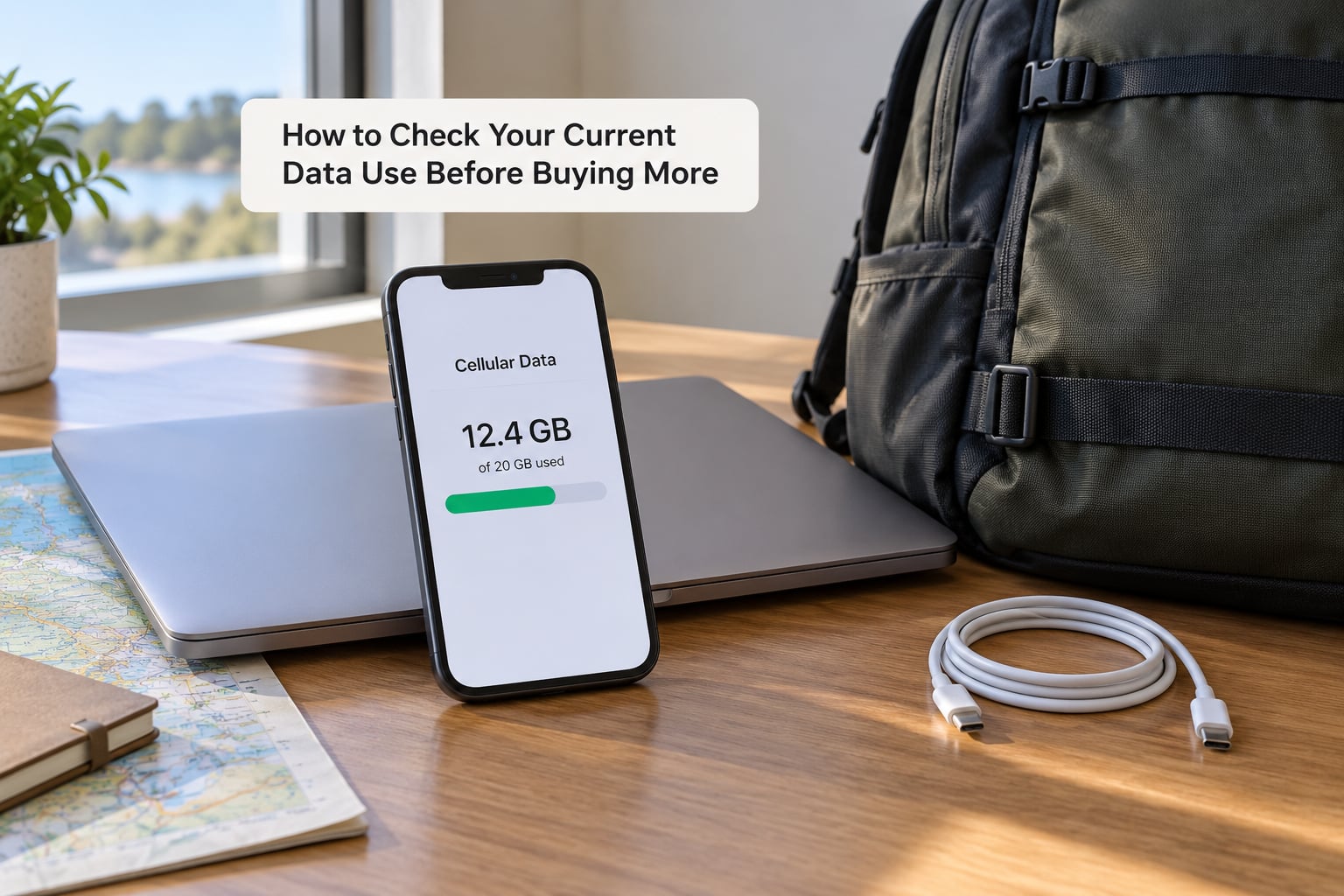
The most accurate estimate of your daily travel use is a measurement of what you already use. If you spend two weeks a year largely on hotel and airport Wi-Fi, your phone’s own record understates cellular use, so run one normal day on mobile data before you buy.
On iPhone, open Settings, tap Cellular, and scroll to the Current Period section at the bottom. The total appears above a list of apps ordered by consumption, and tapping an app name shows its last-period usage. You will also find the data mode toggle for Low Data Mode on the same screen, which is the fastest way to cut background traffic.
On Android, the path depends on the manufacturer, but on stock and Pixel phones it is Settings, then Network and internet, then SIMs, then Data usage, where you get a per-app breakdown with a time window. Samsung devices use Settings, then Connection, then Data usage, and many other skins put it under Network, then Data usage. Look for a screen that says Data usage or Mobile network usage and treat the menu wording as approximate, since it varies by brand and Android version.
Two follow-ups worth doing before you leave. First, reset the statistics so the trip starts at zero: iOS has Reset Statistics under Cellular, and Android has a similar reset control on the data usage screen. Second, set a warning threshold so you get pinged before you are cut off, at roughly 80 percent of your plan. On iPhone that is Cellular Data Options, then Data Low Warning, and on Android it is a Data Warning or data limit setting inside the mobile network menu.
Resetting statistics never deletes anything else. It only resets the running tally, so it is safe to do right before a trip.
Ways to Reduce Travel Data Without Losing Essential Tools
Trimming data is mostly a matter of stopping the activities you never chose. These are the changes with the biggest effect for the least inconvenience.
- Download maps before you fly. In Google Maps, tap your profile, then Offline maps, then Download a map, and pick the regions you need. In Apple Maps, the equivalent is a map download from the app’s own screen. Offline maps cover navigation and route recalculation but not live traffic, search for nearby places, or satellite imagery, so download generously and still keep a data plan for search.
- Turn off autoplay. On Instagram, TikTok, and Facebook, autoplay video is the single largest consumer of mobile data in the apps you open most. Each setting is a switch in the app’s data or playback menu.
- Download music, podcasts, and films on Wi-Fi. Spotify, Apple Music, and podcast apps all have a download button per playlist or episode. Streaming music drops to near zero on cellular once the queue is downloaded.
- Use Low Data Mode or the equivalent. On iPhone it is Cellular Data Options, then Low Data Mode. On Android it is Data Saver inside the network settings. Both reduce background activity across every app without blocking anything you are actively using.
- Limit background app refresh. On iPhone, Settings, then General, then Background App Refresh. On Android, use the battery and data restriction screens to stop apps refreshing on mobile. Messaging apps that refresh constantly are usually the worst offenders.
- Pause photo backup before you go. On iPhone, Settings, then Photos, then iCloud Photos, and switch to a manual or Wi-Fi-only upload. On Android, Google Photos, then its settings, then Backup, and set it to Wi-Fi only. A week of photos uploading over a bad hotel connection can quietly use a gigabyte.
- Tether deliberately. If you need to hotspot a laptop, expect a laptop to consume 3-10 GB over a working day once video calls are involved. Use tethering for email, tickets, and messages, and find real Wi-Fi for anything bandwidth-heavy.
- Keep one low-data escape hatch. If your allowance is tight, knowing which app to switch off first when you are nearly out saves the trip. For most people it is autoplay and photo backup.
Frequently Asked Questions
Is 1 GB enough for one day of travel?
One GB is enough for a light day of travel: about four hours of navigation, messaging, email, and some social media browsing. It is not enough if you stream a film, make a long video call, or tether a device, since any one of those can consume the whole gigabyte. If you are unsure, budget 1 GB and treat it as a ceiling rather than a target.
Do offline maps use mobile data when I am lost?
Offline maps handle navigation and route recalculation without data, so a downloaded region keeps working with no signal. What still needs data is searching for nearby restaurants and hotels, live traffic, and satellite or 3D view. On a downloaded map, search and live traffic quietly resume using cellular data, which is why travelers with large downloaded regions still see unexpected usage.
How much data does a video call use during a trip?
Expect roughly 100-500 MB per hour, so a 20-minute call lands around 35-170 MB. Screen sharing, HD video, and several people on one call push toward the top of that range, while audio-only calls use very little. On cellular data a call can also fail to hold quality, so downloading important documents before the call saves trouble on weak networks.
Should I buy an international data plan for a one-week vacation?
For one week, yes, but pick based on your measured use rather than the trip label. A light traveler can manage with 2 GB, a moderate one wants 5 GB, and anyone streaming or tethering needs 15 GB or unlimited. Check that the plan covers your exact destination and full seven days, and whether the allowance is capped at a speed threshold after a certain volume.
Can I use a travel eSIM and my regular SIM at the same time?
On phones with dual SIM, one physical plus one eSIM, both lines can stay active and you choose which one carries mobile data in Settings. On single-SIM models the travel eSIM replaces your home SIM entirely, so you lose your regular number for data purposes while abroad. Check your model first, since many budget and older phones support only one active line at a time.
Conclusion
Start with your real daily number, not a generic allowance. Check what your phone actually consumed on a normal cellular day, add a fifth for detours and new apps, then multiply by your trip length. Compare that total against the destination plan, confirm the trip length and the speed threshold are covered, and buy the smallest package that fits with room to spare.
Most people who regret a travel data purchase did it in one of two directions: they rationed maps because they bought too little, or they paid for gigabytes they never touched. A 500 MB baseline with a 20 percent buffer answers how much mobile data you need per day of travel for the majority of trips, and the tables above adjust it for the kind of trip you are actually taking in 2026.