The short answer: buy a local SIM card or eSIM if one phone needs data, and get a mobile hotspot only when several devices have to be online at the same time. Most solo travelers never need hotspot hardware at all, because the phone already in their pocket can share its own connection for free.
That is the whole decision in one line, and this guide unpacks it. Below I break down what each option really is, where the costs actually fall, how coverage behaves in rural places, and how to set up whichever one you pick before you board.
Updated for 2026. Costs change constantly, so I am describing how the money moves rather than quoting figures that go stale within a month.
Table of Contents
- Mobile Hotspot vs Local SIM Card for Travelers at a Glance
- What Is a Mobile Hotspot for Travelers?
- What Is a Local SIM Card for Travelers?
- How Do Mobile Hotspot and Local SIM Card Costs Compare?
- Which Option Has Better Coverage and Connection Quality?
- How Much Battery Life and Device Support Do Travelers Get?
- Which Option Is More Convenient for Different Types of Trips?
- How Do You Set Up the Right Option Before Traveling?
- Mobile Hotspot vs Local SIM Card: Which Should You Choose?
- Frequently Asked Questions
- Is a local SIM card cheaper than a mobile hotspot for a two-week trip?
- Can I use a local SIM card in an unlocked phone and share its data with other devices?
- Do I need a separate mobile hotspot if I buy a travel eSIM?
- Does a mobile hotspot work in countries where my phone has no signal?
- What is the difference between a travel eSIM and a local physical SIM card?
- Which option is best for a family traveling with several phones and tablets?
- Conclusion
Mobile Hotspot vs Local SIM Card for Travelers at a Glance
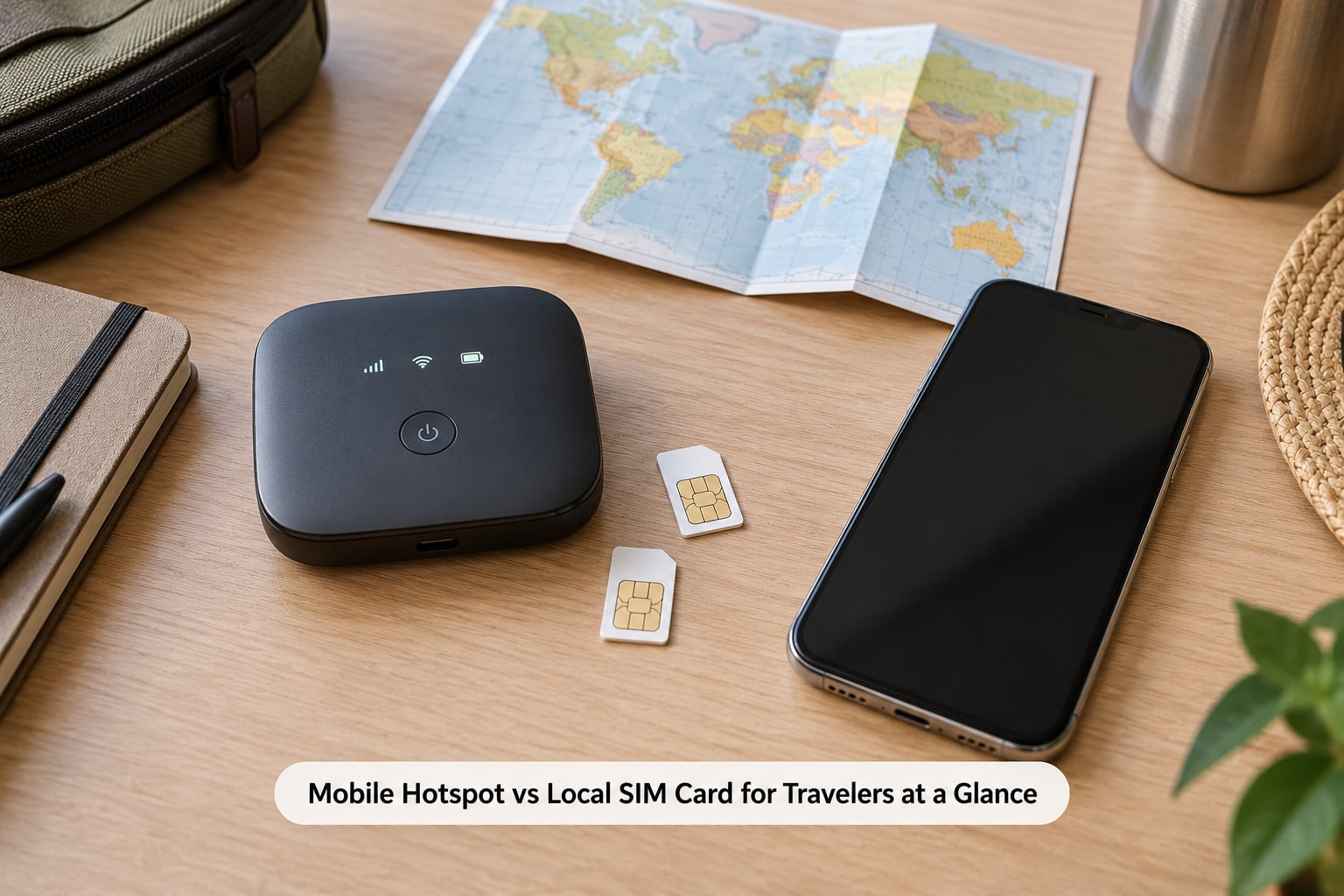
| Criterion | Mobile hotspot | Local SIM card |
|---|---|---|
| Upfront cost | Device purchase or rental | None |
| Trip cost | Data plan on the host SIM | Prepaid local data plan |
| Devices online at once | Several, usually 5 to 10 | One phone |
| Setup time | Charge, power on, connect | Queue, paperwork, activate |
| Local phone number | Depends on host SIM | Usually included |
| Home number for bank codes | Kept if your phone keeps its SIM | Lost unless your phone is dual SIM |
| Battery drain | Extra device to charge | None beyond your phone |
| Needs an unlocked phone | No | Yes, for a physical SIM |
| Hidden costs | Rental return, deposit, fair-use caps | Passport registration, top-up fees |
| Best for | Families, couples with laptops, nomads | Solo and budget travelers |
If only one phone needs a connection, the SIM column wins on every row that matters. The hotspot column only starts paying for itself once a second screen shows up.
What Is a Mobile Hotspot for Travelers?
A mobile hotspot is a small battery-powered box with a cellular radio and a small WiFi network inside it. It connects to a mobile network on its own, then rebroadcasts that connection as a private WiFi network named with a password, and anything that joins can get online through it.
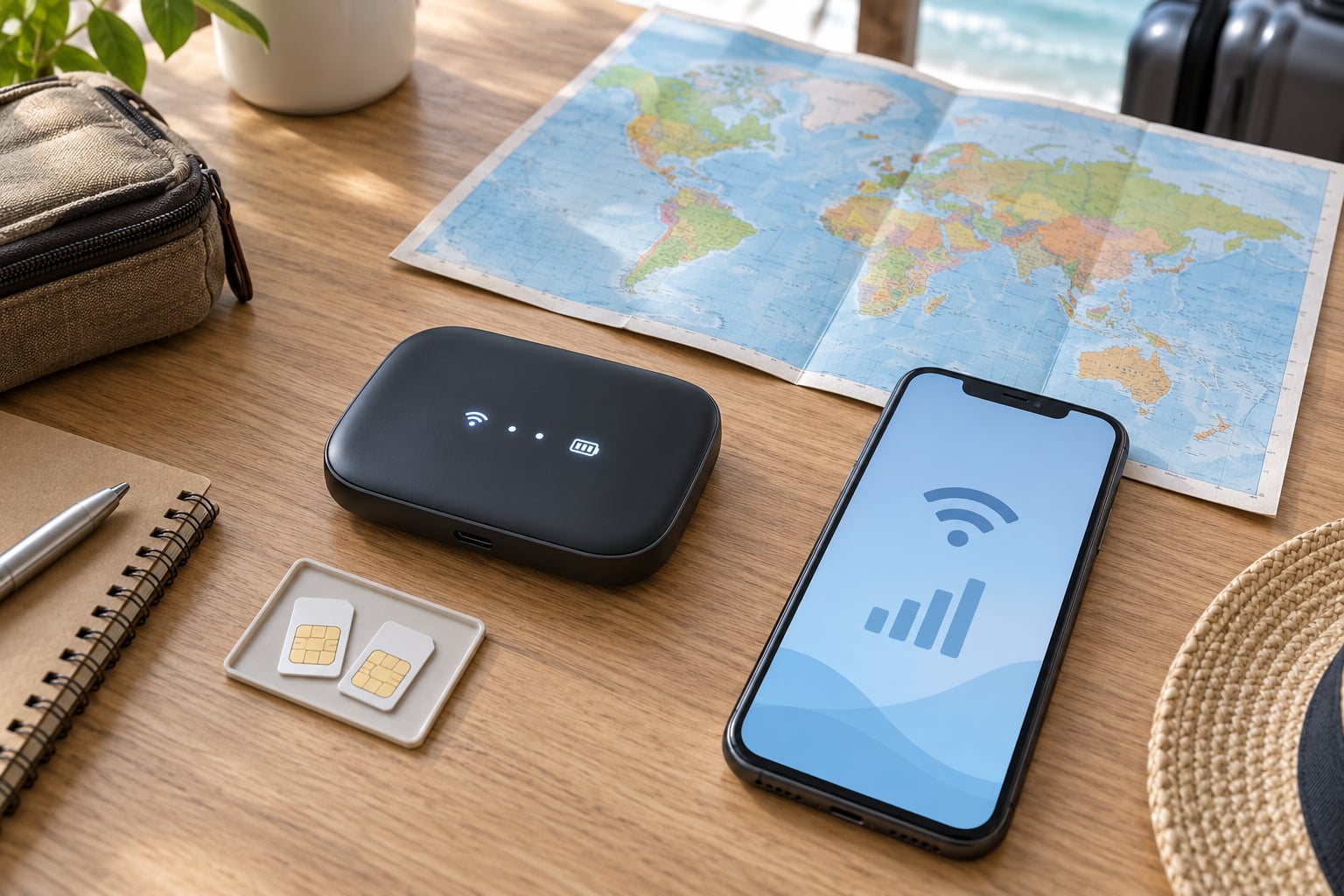
Here is the part that trips people up, and it is a genuinely common search question: yes, a mobile hotspot needs a SIM card, or an eSIM profile, to work abroad. The device is not a magic signal. It has no data of its own, so it borrows a local SIM, a travel eSIM or a roaming plan from a carrier before it can share anything.
Some devices sold to travelers use a CloudSIM, a virtual profile that scans local networks and attaches to whichever has the strongest signal where you currently stand. That is a nice trick, but it does not remove the need for a carrier relationship.
The advantages are real for the right trip. Several devices share one connection, your own phone can sit in a pocket or a bag running as a hotspot, and you avoid hunting for a SIM counter in an airport queue.
The downsides are what solo travelers underestimate. It is one more battery to charge, on a trip where outlets are often scarce. Rental devices add a return shipment and a deposit to the end of the trip. And every device on the network shares one slice of bandwidth, so a laptop streaming video can slow down the phone receiving the bank code.
Own versus rental matters more than most guides admit. A rental desk at the airport hands you a working device with zero effort, which is why travelers still choose them. A device you own, paired with service you buy yourself, is usually cheaper per trip over several journeys.
What Is a Local SIM Card for Travelers?
A local SIM card is a prepaid chip sold by carriers in the country you are visiting. You insert it into your phone, the phone attaches to that local network instead of your home network, and you pay the local rate for data.
For most trips this is the simplest option that exists, because your phone already knows how to do it. The catch is that it only connects one device, and it usually requires an unlocked handset. A phone still tied to a home carrier will simply refuse the card.
The physical SIM is not the only version of this. A travel eSIM does the same job as a profile you install through the phone’s settings or a QR code, with no plastic card and no queue. Providers such as Airalo, Holafly and GigSky sell them for single trips, multi-country trips and long stays.
Some prepaid local plans deliberately block tethering, so you cannot share their data with a laptop or another phone. That restriction shows up repeatedly in traveler forums, and it is worth checking before you buy anything you intend to hotspot from.
One more thing to plan for: many airport and carrier-shop counters want a passport and a local address on file before they will activate a card. Forums report queues of 30 to 60 minutes with a language barrier on top, so buy your SIM after you land in town rather than in the arrivals corridor.
How Do Mobile Hotspot and Local SIM Card Costs Compare?
The honest comparison is not device price against SIM price. It is what you spend per traveler, per day, across the whole trip, including the extras nobody quotes.
With a local SIM, your outlay is one prepaid data plan per phone. There is no hardware to buy, no deposit, nothing to return at the end, and no rental desk queue. For a solo trip or a couple traveling with two phones, that total is hard to beat.
With a hotspot, add the hardware. Buy it once and you amortize it across trips, but the first journey carries the full cost. Rent it instead and you pay a daily rate, a deposit, and you are still buying a data plan on whatever SIM the rental provider loaded.
Where the math actually tips over is group size. One traveler pays for one connection. Two travelers pay for two. Six travelers on one hotspot pay for one connection, one charger, and one person responsible for keeping it alive. That is the moment the hotspot column starts winning on value rather than convenience.
Now factor in trip length. The longer the trip, the more the upfront cost of owned hardware is worth it, and the more a prepaid data plan with a real data allowance beats a short promotional bundle that throttles after a few gigabytes.
Finally, remember that some prepaid plans quote unlimited data with a fair use policy attached. In practice that means a generous threshold and then noticeably slower speeds. Read the fair use line before you assume the plan is unlimited.
The clearest rule I can give you: multiply devices by days, then divide by people sharing the connection. The option with the lower number wins, and for most trips that number is small.
A third option deserves a mention because it appears in several top-ranking travel threads. Your home carrier may already offer an international plan or a roaming day pass that draws on your regular data bucket. Rick Steves forum posters have described running an entire three-week trip on a day pass, with cellular roaming switched off except when they actually needed it. Check your own plan before buying anything new, because you may already hold the answer.
Which Option Has Better Coverage and Connection Quality?
Neither option has inherently better coverage. Both end up on the same mobile networks, and in both cases your speed depends on signal strength, tower congestion and which carrier has the network in that spot.
The difference is who chooses the network. A local SIM plugs your phone directly into a network operating in that country, often with access to whichever partner networks the provider has an agreement with. A hotspot can only use whatever network its own SIM can reach, so a cheap rental device loaded with a limited-network tourist SIM may perform worse than the phone in your pocket.
Rural destinations are where the difference shows. A traveler on the Iceland ring road who skipped buying any SIM found very limited service from the local carriers and fell back on hotel and restaurant WiFi. Nobody in that thread had bought hotspot hardware as a backup, and that is a common mistake. If your route goes off the main roads, buy local coverage before you leave the capital.
Urban trips are unremarkable either way. In cities both options work, and the deciding factor becomes convenience rather than coverage.
Islands and ferries are a genuine weak spot for both. A Fodor’s thread on the Greek Cyclades found posters concluding that local carriers such as Cosmote and Vodafone GR have solid island coverage, including on ferries, and that tourist MiFi bundles usually cost more than buying local service directly. Coastal and open water remain the places where neither option is reliable, so treat those stretches as offline time.
How Much Battery Life and Device Support Do Travelers Get?
A hotspot is a second thing to charge. That is its quiet cost. Forum users have reported devices lasting an hour or two away from an outlet, which on a full sightseeing day turns into a hunt for a café with a socket.
A local SIM draws no extra power. You charge your phone, you are done, and the data comes through the hardware you already own. On long walking days that difference decides the argument for most people.
Device support is where compatibility issues concentrate. A physical local SIM needs an unlocked phone, which means checking with your home carrier before you fly. An eSIM needs a handset that supports eSIM activation, and plenty of budget phones bought in the last few years still do not have it.
Dual SIM is the underrated feature here. A phone that can hold two active lines lets you keep your home number alive for bank codes and two-factor authentication while sending data through a travel SIM. On a single-SIM phone, inserting a travel card means losing your home number for the duration of the trip.
Multi-device support is the one thing hardware wins outright. Most hotspots allow between five and ten simultaneous connections, which covers phones, tablets, a laptop and a watch without anyone negotiating.
Which Option Is More Convenient for Different Types of Trips?
Short city breaks favor the SIM or eSIM. You land, buy a plan in town, and everything works. A hotspot is extra weight for a trip where the hotel WiFi was going to carry you anyway.
Long stays favor local service even more. The upfront cost of a short-trip bundle stops mattering, and a prepaid plan with a generous allowance becomes the cheapest way to be online for a month.
Road trips are where a hotspot earns its place. Several people, several phones, one car, and long stretches between towns with cafes. Put the hotspot in the glovebox and everyone stays online.
Business travelers mostly want video calls to hold up. Reliability is the deciding factor here, not data volume. One digital nomad planning a multi-country work-cation settled on a local SIM and then tethered his phone from it, because colleagues could not tell he was not at his desk.
Families and groups should count devices before deciding. Six people on a fourteen-day road trip are a group case, not a solo case, and the cost per person tells you which way to go faster than any opinion.
Solo travelers on a budget should skip hotspot hardware entirely. If you only carry one phone, tethering your own device costs nothing extra and gives other devices a connection whenever you need one.
And there are trips where free WiFi is genuinely fine. Hotels, cafés, airports and many restaurants are enough for maps, tickets and a quick email. The forum consensus on the Scottish Highlands thread was that local SIM plus campsite and hotel WiFi beats an expensive rental for most itineraries.
How Do You Set Up the Right Option Before Traveling?
Work through this list the week before you fly, not the morning of.
1. Check your phone is unlocked. If your home carrier sold it locked, ask them to unlock it. Most carriers do this free of charge once the device is paid off.
2. Check eSIM support. If you plan to use a travel eSIM, your handset needs eSIM activation and the carrier needs to unlock eSIM on your line.
3. Confirm your plan allows tethering. If you intend to hotspot your own phone, verify your home plan or your travel plan permits it, since some prepaid cards block it.
4. Decide who keeps your home number. If bank codes matter to you, keep the home line active in a second slot, on a physical SIM or an eSIM that receives SMS.
5. Buy the data plan for the right length. Match the allowance to what you actually use. Streaming video eats data fast, and most people mostly need maps, messaging and browsing.
6. Download offline maps and boarding passes. Do this before you land, while you still have the WiFi you trust.
7. Turn off data roaming on your home line. If you are not using your home plan abroad, keeping roaming off stops surprise charges from background apps.
8. Bring a backup. A spare SIM, a saved second eSIM or a note of the nearest carrier shop gives you a way back if the first plan fails.
If you are setting up a hotspot instead, charge it fully before departure, test it on your home network, and note the WiFi password in your phone notes before you lose signal.
Mobile Hotspot vs Local SIM Card: Which Should You Choose?
The verdict follows the number of devices. One phone, one trip, one country: take the local SIM or eSIM. Several screens at once: take the hotspot, either owned or rented.
If you only want the mobile hotspot vs local SIM card for travelers answer in one line, it is this. A SIM puts one phone online cheaply, and a hotspot puts many devices online from a single connection. Travelers who buy hotspot hardware for a solo trip usually pay for capability they never use.
Keep your home carrier’s international plan or roaming day pass in the running, since it needs no hardware at all and sometimes costs nothing extra if you already pay for the line.
Never forget the free option. Your own phone has a personal hotspot built in, and on most plans sharing its data with a laptop or a second phone needs no extra hardware. If you can tether from the phone you already carry, the mobile hotspot versus local SIM card debate is settled before it starts.
And if the trip involves a cruise, a ferry crossing or open water, plan for offline hours regardless of which option you choose. Satellites and ship networks are a separate purchase, and neither option covers them.
Frequently Asked Questions
Is a local SIM card cheaper than a mobile hotspot for a two-week trip?
For one or two travelers, yes. A prepaid local plan costs nothing in hardware and carries no deposit or return shipment. A hotspot adds a device cost or a rental rate, plus a data plan on whatever SIM it carries. The crossover usually appears with three or more people sharing one connection, where a single hotspot spreads across everyone.
Can I use a local SIM card in an unlocked phone and share its data with other devices?
Yes, if the plan allows it. The phone needs to be carrier-unlocked, and many prepaid travel plans permit tethering or hotspotting. Some deliberately block it, which is documented by travelers in forums. Check the fair use and tethering terms before you buy. A data plan with tethering enabled will share its allowance across connected devices.
Do I need a separate mobile hotspot if I buy a travel eSIM?
Only if more than one device needs data at the same time. An eSIM connects the one phone you install it on, so a laptop or tablet stays offline unless the phone shares its connection. Most phones have a personal hotspot feature that does this for free, so a dedicated device is redundant unless you need several screens online together.
Does a mobile hotspot work in countries where my phone has no signal?
Not reliably. Both options depend on a cellular network existing at your location, and a hotspot cannot create a signal where none exists. A hotspot may even perform worse if its host SIM runs on a limited tourist network. Remote areas such as the Iceland ring road or the Scottish Highlands need local coverage bought in advance, and open water needs satellite service.
What is the difference between a travel eSIM and a local physical SIM card?
Both connect your phone to a local network at local rates. A physical card is plastic you slot into the tray, often bought at an airport or carrier shop and sometimes requiring passport registration. An eSIM is a digital profile installed through settings or a QR code, needs compatible hardware, and avoids the queue entirely.
Which option is best for a family traveling with several phones and tablets?
Count the devices first. Four phones and two tablets means six connections, and most hotspots support that range on a single network. One SIM cannot do it, and six prepaid plans mean six activations and six things to recharge. If the family travels separately, individual SIMs are simpler and each person keeps their own number.
Conclusion
Count your devices first, then buy the simplest thing that covers them. One phone, one country: local SIM or eSIM. Several screens at once: a hotspot. One phone and a laptop: tether your phone and spend nothing on hardware.
Before you fly, unlock the handset, confirm tethering is allowed, download offline maps, and keep a backup line for your bank codes. That preparation does more for a trip than the choice between devices ever will.