If you want to know how to make cheap international calls from abroad, the cheapest method is almost always a voice or video call over Wi-Fi using an app both people already have. When the other person has no app, or you need to ring a bank, hotel or landline, a low-cost VoIP dialer or a travel eSIM with domestic calling takes over.
Getting this right takes about ten minutes of setup before you land. I set up Wi-Fi calling on my phone before every trip now, because being mid-conversation and watching the international rate warning appear is a miserable surprise.
Table of Contents
- What You Need
- Step-by-Step
- Step 1: Check Whether Your Phone Supports Wi-Fi Calling
- Step 2: Use Wi-Fi Calling When It Is Available
- Step 3: Compare Internet Calling Apps for Cheap International Calls
- Step 4: Consider a Local SIM or Travel eSIM
- Step 5: Use a Calling Service for Shorter Numbers
- Step 6: Test the Call and Watch the Real Cost
- Common Mistakes
- Tips for Keeping Calls Affordable
- Frequently Asked Questions
- Can I call abroad on WhatsApp for free?
- Are international calls free using Wi-Fi calling?
- Is Viber free for international calls?
- How can I avoid international calling fees?
- Do I need a calling card to make international calls?
- What is the cheapest way to make an international call?
- Conclusion: Start With the Free Option, Keep a Paid Backup
What You Need
Start by checking five things. If any of them fail, the cheap option disappears and you fall back on a roaming day pass.
- An unlocked phone. If the device is carrier-locked in the country you left, a local SIM or eSIM will not install and roaming will be your only option.
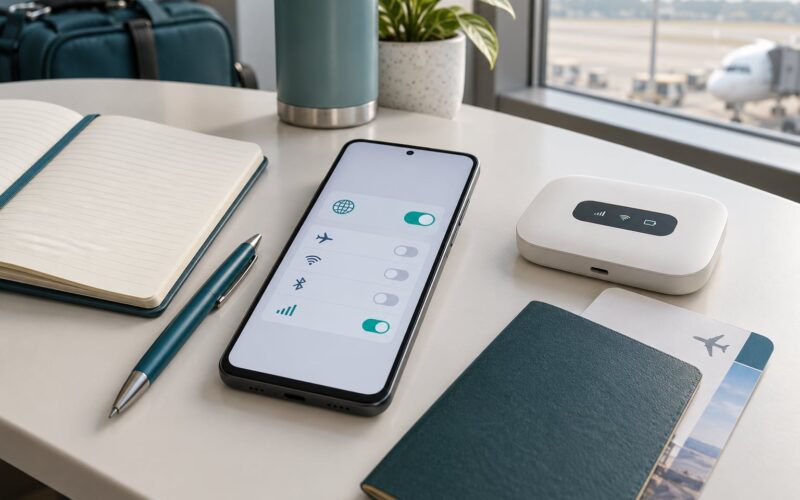
- A reliable connection. Guest Wi-Fi at a small hotel is often the weakest link. Bring a pocket router or know the local coffee shop that has solid signal.
- The destination country codes. Write down the +XX prefix for every number you plan to dial, including the local exit prefix for the country you are calling from. The plus sign replaces that exit prefix, so +1 is the direct route where 011 used to be.
- A payment method that works abroad. VoIP dialers and eSIM sellers usually want a card that will not be declined on a foreign merchant. A locked-down card is the single most common reason a top-up fails at the airport.
- A list of numbers that must be reachable. Write down your bank, your insurer, the hotel front desk and your landlord before you fly. Some of them will not answer an app call, and finding their number while roaming is when people get stuck.
Step-by-Step
Step 1: Check Whether Your Phone Supports Wi-Fi Calling
Wi-Fi calling routes your normal dialer over your home carrier’s network using your broadband connection, and it appears under different names depending on the device. On iPhone it sits in Settings, then Cellular, then Wi-Fi Calling, and it needs a carrier that supports the feature. On Android the path is Settings, then Connections, then Wi-Fi calling, and some brands bury it under Network settings.
Two conditions matter more than the toggle itself. Your carrier must support Wi-Fi calling in the country you are about to visit, and your plan must allow international calling over it. Some carriers quietly block Wi-Fi calling outside the home country even while leaving the switch on.
You can tell quickly. Connect to a Wi-Fi network, open the Wi-Fi calling switch, and check whether the icon shows next to your signal bars. Then place a two-minute call home and let it ring out. If it connects normally, Wi-Fi calling works there.
Step 2: Use Wi-Fi Calling When It Is Available
Treat Wi-Fi calling as your default method the moment it works, because it costs you nothing beyond the data your plan already includes. The catch is that quality depends entirely on the network you are standing on.
Connect to a network you trust before you dial. A captive portal that asks you to sign in through a browser will often block calling until you complete that step. If a call sounds robotic or echoes, the connection is the problem, not the other person, and switching to a stronger network fixes it more often than any app setting.
Keep a fallback ready. If a call drops, switch to a messaging app call over the same Wi-Fi rather than retrying on the mobile network, which is exactly when expensive roaming charges start accruing.
Step 3: Compare Internet Calling Apps for Cheap International Calls
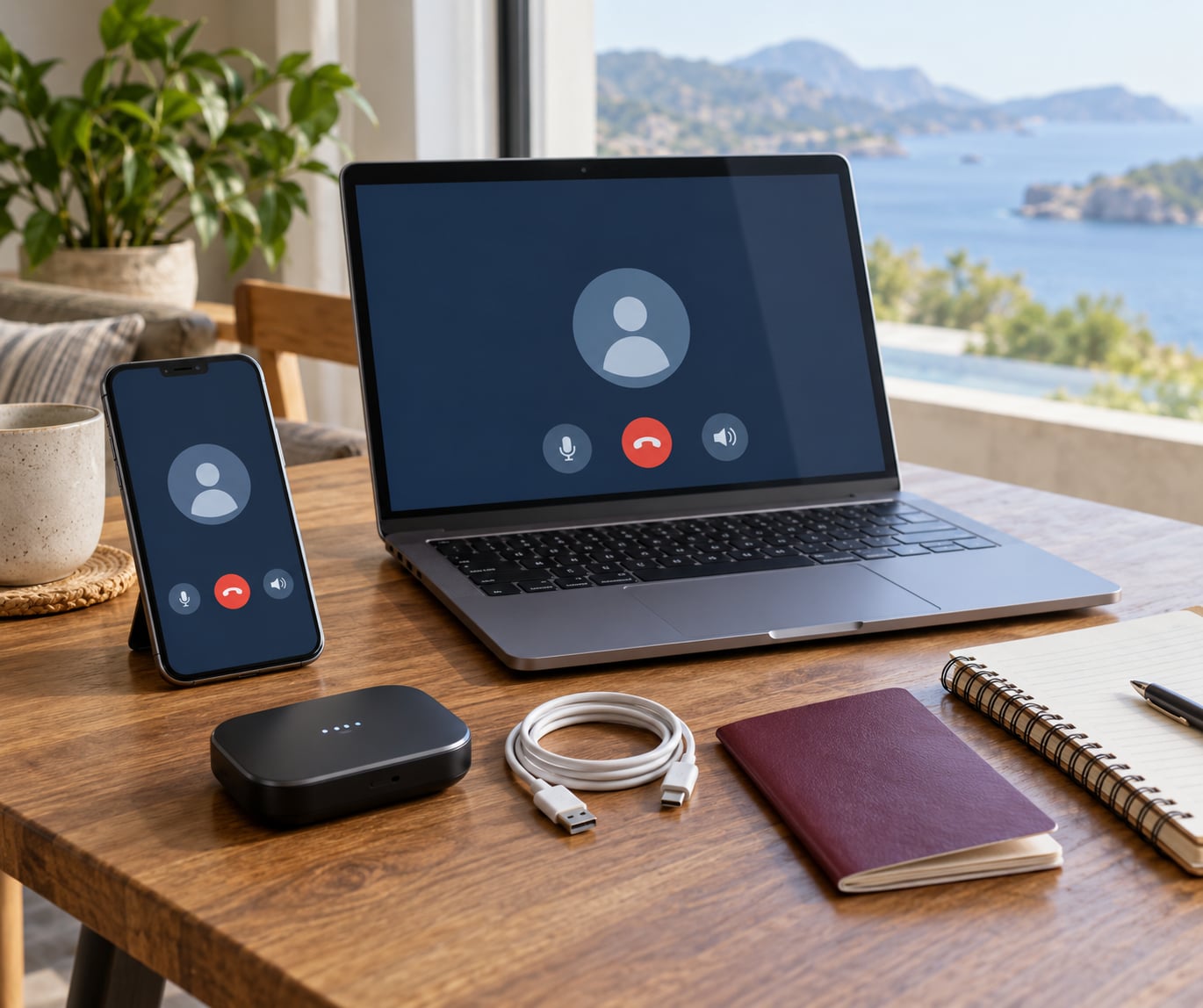
App-to-app calling is free because there is no international gateway involved. The voice travels over the internet, and the only real limit is whether the person on the other end has the same app installed and is online.
Here is how the main ones stack up for travellers:
- WhatsApp is the safest default. Almost everyone has it, voice and video calls are free, and you can place a call to a contact’s regular mobile number for a small fee if they are not on WhatsApp.
- FaceTime is free between Apple users, and the cheapest video option for iPhone households.
- Signal gives free calls with strong encryption, but contact discovery is harder, so both sides usually need to scan a QR code.
- Google Meet handles group video calls well and works in a browser, which matters when you are sharing a laptop at a coworking space.
- Telegram and Viber both support free voice calls and can reach landlines for a small per-minute charge.
The failure mode is always the same, and regulars in expat and travel forums complain about it constantly: you need to call a hotel, a clinic, a bank or a landlord, and none of them will install anything. For those calls, move to a VoIP dialer.
Step 4: Consider a Local SIM or Travel eSIM
A local SIM or eSIM gives you a domestic number in the country you are standing in, and domestic calls to local landlines are then charged at local rates instead of international ones. This is the strongest option for staying somewhere for weeks, especially if you also need data.
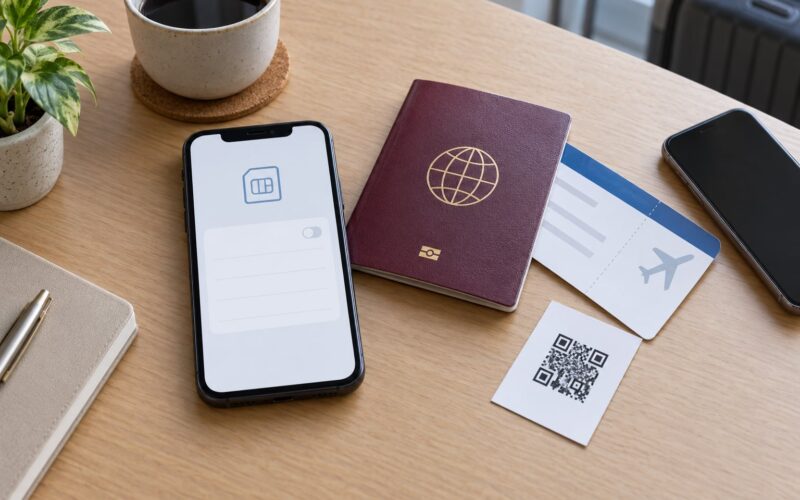
A physical local SIM usually needs a passport, a local address or a local payment method, which rules it out for a short trip. A travel eSIM avoids all of that: you buy it online, install a QR code over Wi-Fi before you leave home, and it activates on arrival. Confirm your phone supports eSIM and is unlocked before you buy, and check whether the plan includes calling at all, since many data-only eSIMs deliberately exclude voice.
Compare the roaming day pass on your home plan against a local SIM before you buy anything. A day pass is simple and needs no setup, but it is priced for occasional data use, and heavy calling on it will surprise you. If your trip is longer than a week or you will make frequent calls, the local number wins.
Step 5: Use a Calling Service for Shorter Numbers
Prepaid calling cards and dialer services still make sense in three situations: the destination has no cheap internet option, the connection is too poor for VoIP, or you are calling somewhere VoIP providers rate poorly.
Prepaid calling cards give you an access number, a PIN, and a local dial string, so the call travels over that country’s network and reaches any phone, landline or mobile. Dialer services work as apps: you top up an in-app balance and dial the international number directly.
Check the fee structure before you dial. Some services add a connection fee, some bill a minimum rounding increment, some expire credit after a few months, and some charge differently for mobiles than for landlines. You will not discover any of that mid-call.
Watch for callback scams too. If an unknown number calls you and asks you to call back on a number it gives you, that access number may bill you per minute. Legitimate businesses do not work this way.
Step 6: Test the Call and Watch the Real Cost
Make one short test call before you need the real thing. Ring a friend, a family member or your own voicemail for two minutes, then check your call log for the actual duration and confirm which method was used.
Then set a usage alert in your carrier’s app or banking app before you leave home. It is the only reliable way to catch an unexpected charge while you are still abroad and can still act on it. Data alerts matter too, because a ten-minute video call moves a meaningful chunk of mobile data, while a voice call uses very little.
Write down what the test call cost, per minute and per method, before you forget. When you have been abroad for a week, comparing methods from memory is hopeless.
Common Mistakes
Using mobile data without checking first. A VoIP call over cellular data works, but you pay your data rate while you make it, and day passes often have voice restrictions. Connect to Wi-Fi or set a data limit before dialling.
Leaving data roaming on. This is the single most expensive mistake, because the phone switches to roaming the moment it loses Wi-Fi. Turn roaming off before departure and let it stay off.
Installing an app from a link a stranger sent you. Traveller public Wi-Fi is full of fake hotspots and cloned portals. Install calling apps at home, over mobile data, before you leave.
Ignoring the time difference. A cheap call at an unreasonable hour gets answered by an annoyed person or a voicemail, and you will not try again. Check the local time at both ends before you dial.
Forgetting that a different number means a different cost. VoIP dialers routinely charge more for mobile destinations than landlines. If you know the number is a landline, say so before you buy credit.
Checking emergency calling after you need it. Wi-Fi calling cannot place emergency calls on most networks. Know the local emergency number for the country you are in before you arrive.
Tips for Keeping Calls Affordable
- Batch your calls. Three short calls on one plan usually beat a long one billed by the minute through a dialer.
- Schedule calls for when both sides are awake and your connection is busiest locally, usually mid-morning in the destination or late evening where you are staying.
- Switch on low-data or voice-only mode for a call you don’t need to see, since video is the expensive part.
- Compare per-minute rates before you top up, and check whether the destination has its own entry fee.
- Keep a screenshot of the rate card in your phone for the first few days abroad. Everyone forgets the numbers later.
Frequently Asked Questions
Can I call abroad on WhatsApp for free?
Yes, WhatsApp calls between two WhatsApp users cost nothing, wherever each person is. You only pay if you use the in-app option to ring a number that is not on WhatsApp, which is billed per minute like a dialer call. Keep the call on Wi-Fi or with data roaming off, because a free call over cellular data still consumes your data allowance or day pass.
Are international calls free using Wi-Fi calling?
Usually. Wi-Fi calling carries your usual number over your carrier’s network using your broadband connection, so most plans include it at no extra charge. It stops being free if your carrier does not support Wi-Fi calling in the country you are visiting, if your plan excludes international use, or if the Wi-Fi network blocks calling. Test with a two-minute call before you rely on it.
Is Viber free for international calls?
Viber calls between two Viber users are free. Calling a real phone number or landline through Viber Out is not free and is billed per minute with some destinations carrying an extra connection fee. It works well as a middle ground when one side has the app and the other does not, but check the rate for the specific country before a long call.
How can I avoid international calling fees?
Turn off data roaming before you leave, use Wi-Fi calling or an app-to-app call over Wi-Fi whenever both sides can, and keep a low-cost VoIP dialer installed with credit for calls to landlines and businesses. For longer stays, a local SIM or travel eSIM with a domestic number usually beats roaming on every call. Set a carrier spending alert so surprises show up while you can still act.
Do I need a calling card to make international calls?
Only in specific situations. If the destination has patchy internet, if your connection is too weak for VoIP quality, or if VoIP providers rate that country poorly, a prepaid calling card routed over the local network is more reliable. For most trips, Wi-Fi calling, an app call or a dialer app covers everything a card does, with less setup and no PIN to lose.
What is the cheapest way to make an international call?
A voice call over Wi-Fi using an app the other person already has is the cheapest option, because the cost is zero and both sides use their existing data allowance. When the other person has no app, or you need to reach a bank, hotel or landline, a VoIP dialer app calling the real number is the cheapest reliable route. A local SIM or eSIM wins on trips longer than about a week.
Conclusion: Start With the Free Option, Keep a Paid Backup
Turn on Wi-Fi calling, install one calling app and one dialer app, and buy an eSIM only if you are staying more than a week. Then dial a two-minute test call from the airport before you leave the terminal. That single call tells you which method actually works on the network you are standing on, and it costs you nothing to find out.