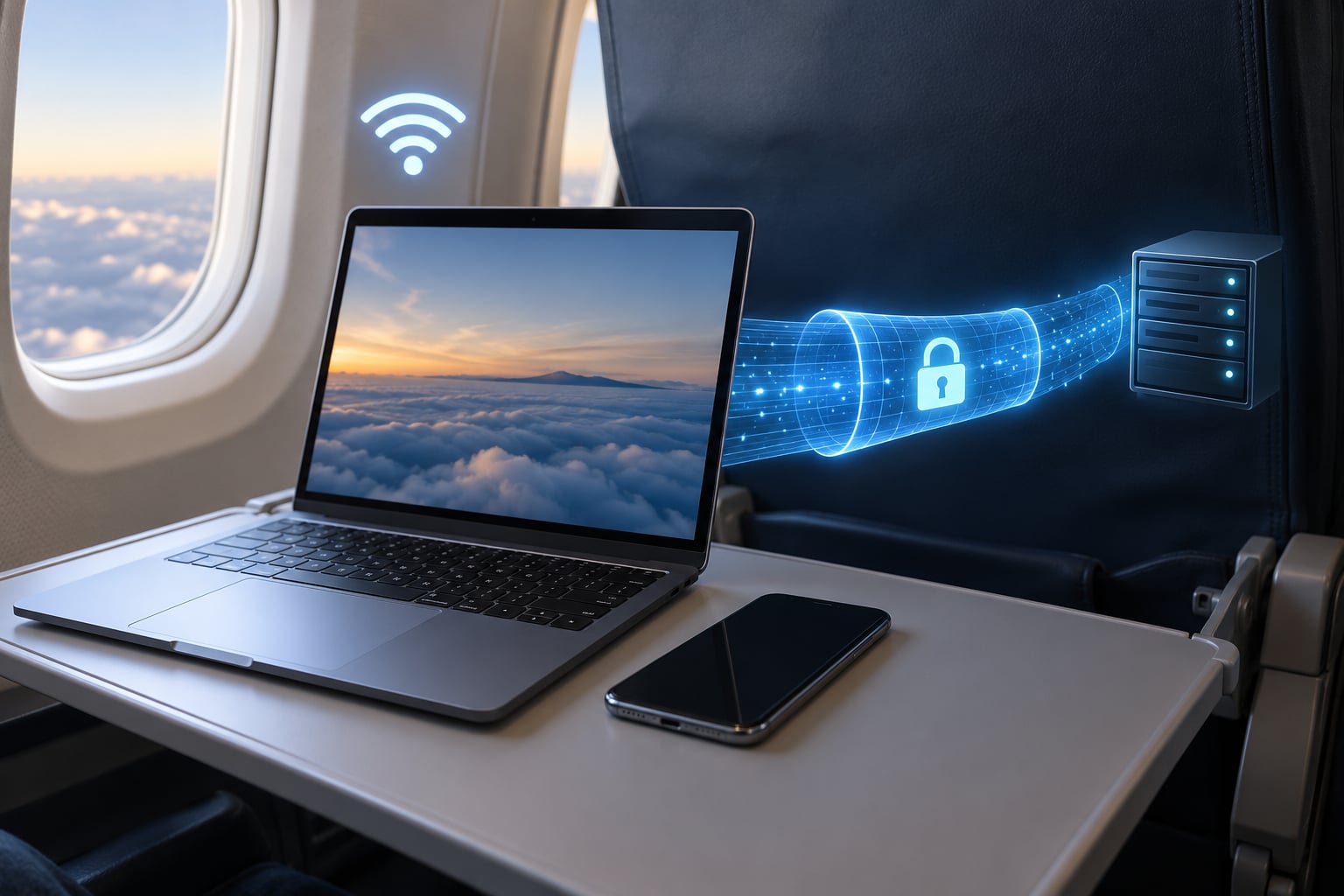
A VPN protects you on public WiFi by building an encrypted tunnel between your device and a remote server, so the network you’re sitting in only sees scrambled data going to one address instead of your browsing. Nobody running that network, and nobody else on it, can read the pages you open or log in to. What it does not do is fix everything, and pretending otherwise is how travelers get caught out.
Airport and hotel networks are shared by hundreds of strangers, and plenty of them are unencrypted or badly configured. A VPN changes what those other people can see. It does not stop you from downloading something malicious, it does not make a fake network vanish, and it does not protect a phone that already has spyware on it.
Below is what actually changes when you switch a VPN on, what stays exactly the same, and the order of operations I’d follow before a trip. I travel with two or three devices and a phone hotspot, so this is less theory than habit.
Table of Contents
- What Does a VPN Do on Public WiFi?
- How a VPN Protects You on Public WiFi: What It Hides
- What Does a VPN Not Protect You From?
- How Does VPN Encryption Work on Public Wi-Fi?
- How to Use a VPN Safely While Traveling
- Which VPN Features Matter for Travel?
- How to Choose a VPN You Can Trust
- Public WiFi Safety Checklist for Travelers
- Frequently Asked Questions
- What is the downside of using a VPN on public WiFi?
- What are three things a VPN cannot protect you from?
- What are the security risks of using public Wi-Fi?
- Does a VPN work on airplane Wi-Fi?
- How do I get past a hotel or airport captive portal with a VPN?
- Does a VPN drain phone battery?
- The Short Version
What Does a VPN Do on Public WiFi?
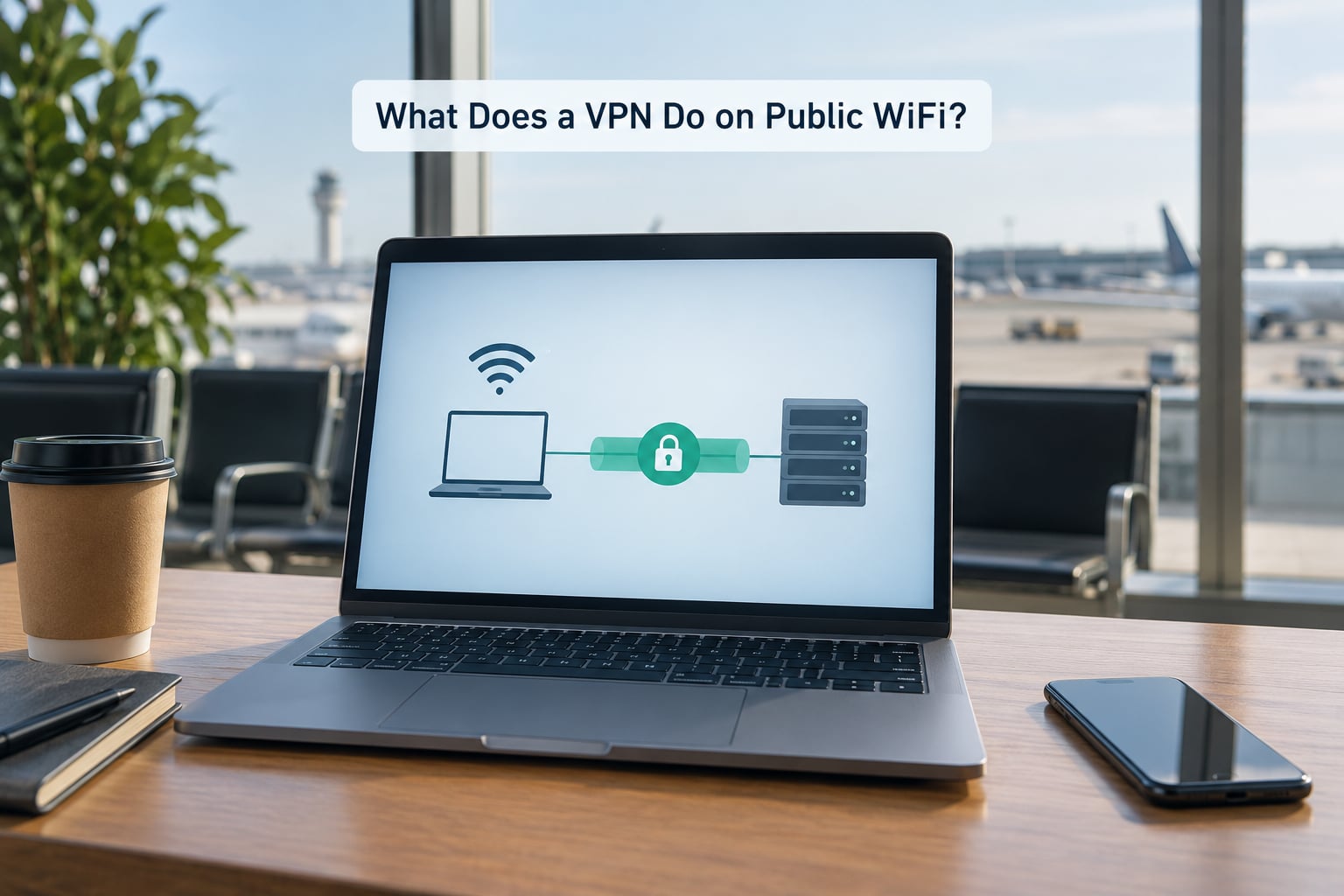
When you switch a VPN on, your device opens a connection to a server your provider runs, usually in a city nearby. It authenticates, negotiates encryption keys, and then every packet your apps send gets wrapped inside that connection before it touches the Wi-Fi network.
The provider’s job is to relay that traffic on to its real destination and hand the response back. On the network level, every site you visit, every file you send and every DNS lookup you make appears to come from the VPN server’s address rather than yours.
That’s the whole mechanism, and it’s worth being clear about where trust moves. Before you connect, you are trusting the airport’s network not to look at your traffic. After you connect, you are trusting the VPN company not to log it. In some ways that’s better, because the airport operator has no idea who you are and no relationship with you, while a VPN provider makes a written promise about logs. But it is a shift of trust, not the removal of it.
How a VPN Protects You on Public WiFi: What It Hides
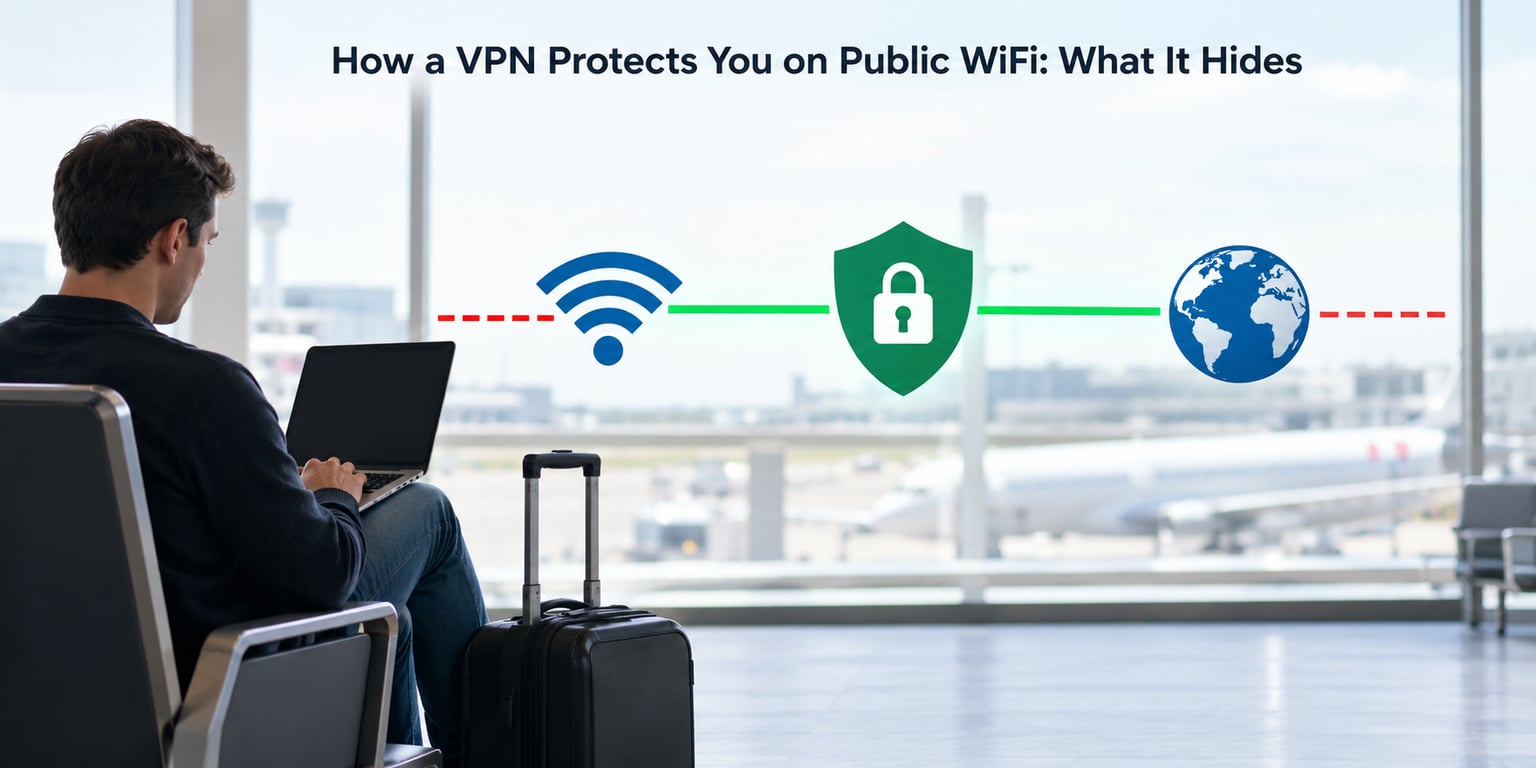
Here’s the practical list, roughly in order of how often it matters to a traveler.
Your traffic becomes unreadable on the local network. Encryption covers the data between your device and the VPN server. A network operator or another guest running packet capture sees an encrypted stream of bytes rather than your requests, forms and logins. This is the core of how a VPN protects you on public WiFi.
Your DNS lookups travel inside the tunnel. Before you visit a site, your device asks a resolver to turn a name into an address. On an open network, that query goes out in plain text and it leaks more than most people expect. A VPN carrying DNS inside the tunnel closes that gap. Leaks still happen when a provider misconfigures things, which is why DNS leak checks exist.
Your real IP address stays hidden. Sites see the server’s address. That hides your rough location and blocks the passive tracking that comes from having a stable identifier attached to every request you make.
It takes away the network’s ability to redirect you. A host that controls DNS can send your browser to a fake version of a site you asked for. A host that tries to force an insecure connection has nothing to force, because the tunnel already negotiated its own secure channel. On a network where a certificate warning normally means “press through and hope,” a VPN turns that warning into a dead end.
It blunts a few other attacks. Traffic analysis and session replay against unencrypted protocols stop working. Volumetric floods aimed at your home connection have nothing to aim at, which matters more for people who game or trade than for people checking email.
What stays visible even with the tunnel running: the fact that you are on WiFi at all, roughly how much data you are moving, and the VPN server you chose. Your ISP sees encrypted traffic to a VPN provider rather than your actual sites. That is a reduction in what your home provider knows, not an erasure.
What Does a VPN Not Protect You From?
Three things come up constantly, so let me be blunt about them. Phishing: a VPN cannot tell you that a convincing login page in a bar is fake, because the page looks genuine to both you and the app. Malicious downloads: an infected installer or a cracked app does not care that your traffic is encrypted once it runs. And human error: reusing a password you used before, or checking your bank on a hotel network you cannot verify, defeats the tunnel entirely.
A fourth one surprises people more: a device that is already compromised. If something is logging keystrokes inside your operating system, the encryption layer happily forwards the stolen data for it.
None of that makes a VPN pointless. It means the VPN is one layer in a stack, and the rest of the layers are cheap.
Realistic risk by network type, roughly from messier to calmer. An airport network named something like “Free_Airport_WiFi” with no password is the highest-risk environment you’re likely to use, especially a network whose name mimics something it is not. Hotel networks are usually password-protected with WPA2 or WPA3, which raises the bar, but the operator can still log destinations and anyone on the same floor is still a guest of the same network. Cafe and library WiFi sits in between, often open and often busy. Cruise ship networks are expensive, slow and heavily monitored by the operator, which cuts one risk and replaces it with another. A rental car hotspot is the best case, because you’re effectively running your own private network.
The pattern I’d use: the more strangers share the connection and the weaker its encryption, the more a VPN is worth. If you can bring your own hotspot, that’s a strong alternative to hotel WiFi rather than a fallback.
How Does VPN Encryption Work on Public Wi-Fi?
The tunnel itself is a standard two-part process. First, your device and the server agree on keys, usually with a modern key exchange, then confirm the server’s identity so you are not handing your traffic to an impostor. After that, each packet is sealed with a symmetric cipher such as AES-256, which is why a busy server can still move a lot of data on modest hardware.
DNS matters more than most explanations admit. Each request is a small unprotected message that tells the world which site you’re about to visit. If DNS stays outside the tunnel, you get partial protection at best, so a good client routes DNS through the tunnel and, ideally, uses the provider’s resolver rather than your local network’s.
On protocols: WireGuard is lean and fast, which makes it a good match for slow hotel WiFi, though some restrictive networks handle it poorly because it looks unusual. OpenVPN over TCP blends in well and is widely tolerated, at the cost of speed. IKEv2 reconnects quickly, which matters when you move between a café and a hotel lift. For a trip, protocol choice is a preference, not a safety decision. Correct configuration and a provider that stays out of your business matter far more.
How to Use a VPN Safely While Traveling
Before you leave, install and test. Download the official app from the provider’s own site or your device’s store, sign in, and connect once on your home network. Confirm the connection indicator turns on and check for a DNS leak if the app offers one. Finding out your account does not work is much cheaper at home than at 30,000 feet.
Turn on auto-connect for untrusted networks. Both platforms can do this. On iPhone and iPad, a VPN configuration can be marked with the “Connect On Demand” option. On Android, apps register an always-on VPN through Android’s settings. Neither is perfect, so still glance at the indicator before typing anything sensitive.
Connect before you open anything sensitive. Airport and hotel captive portals are the awkward case: the network only lets you through once you sign in on a web page. Join the WiFi, complete the sign-in page, then switch the VPN on. The portal traffic is the exposure you are accepting, and it is short.
Pick a nearby server. The nearest one usually gives you the least extra latency, which keeps video calls usable on slow WiFi. Choose a specific country instead when a site needs to behave as though you’re elsewhere, and expect some services to push back.
Watch for the kill switch. When a connection drops on a moving train, some clients cut your internet entirely rather than falling back to the open network. That brief outage is the feature working. Most providers also offer auto-reconnect, and it’s worth switching on.
Keep devices patched before departure. A tunnel doesn’t help an unpatched browser. Same for a password manager and screen lock on the phone you’ll be using all day.
Set up a personal hotspot as your backup. If the network looks wrong, the connection keeps dropping, or you need to do something genuinely sensitive, tether to your own phone rather than debugging hotel WiFi.
A note on data use: encryption adds a small overhead on every packet, so a VPN session uses marginally more data than the same activity without one. On a hotspot plan with a hard cap, keep large file syncs and video calls off the VPN or off cellular entirely, and check whether the provider offers any compression you can disable for speed-sensitive work.
Which VPN Features Matter for Travel?
A kill switch. The one feature I’d refuse to give up on open WiFi, because it decides what happens during the seconds a connection drops.
DNS leak protection with encrypted DNS. Check whether the provider ships its own resolver inside the tunnel rather than deferring to the local network.
Automatic reconnection. Travel networks drop. Manual reconnection every time is enough friction that people turn the VPN off.
Obfuscated servers. These disguise VPN traffic as ordinary HTTPS, which is what gets you past restrictive networks and some airline WiFi. You rarely think about them until the connection you need is refused.
Enough simultaneous devices. Phone, laptop, tablet, e-reader, all at once, ideally without a device cap or an extra charge.
A connection indicator and readable status. You should be able to tell at a glance whether traffic is actually going through the tunnel.
A fast protocol and nearby servers. On a congested hotel network, protocol overhead shows up immediately in video calls.
Extra features are only worth what they do when they work. A threat-blocking tool that filters ads and malware domains is genuinely useful; the same tool set to block a login page you need for your hotel booking is a nuisance. Keep any add-ons narrow.
How to Choose a VPN You Can Trust
A VPN moves your trust from a network that has never heard of you to a company that has your entire browsing history in technical reach. Choose accordingly.
Look for a clear, plain-language no-logs policy and evidence beyond the marketing page. Independent audits matter more than claims, and so does a company willing to explain what a log is in the first place. Ownership is worth checking: some providers are owned by companies with a track record in advertising or data brokerage.
Check the app quality for the platforms you actually carry. On iOS, both WireGuard and OpenVPN are supported natively, which reduces the chance of an app-level problem. Check whether support responds when something breaks, because on a trip you need a human who can tell you whether the block is local or upstream.
On pricing, be honest about what you’re buying. Free services mostly pay for themselves with your data, sell ad space, or cap the very features that make a VPN useful on public WiFi. If you only ever need a VPN for hotel and airport WiFi, a month you can switch on for the length of a trip is a reasonable middle ground.
Public WiFi Safety Checklist for Travelers
1. Confirm the network name with staff or signage before joining, and refuse any network that appears to mimic a real one.
2. Complete the captive portal sign-in first, then connect the VPN.
3. Check the connection indicator before opening work email, banking, or booking anything.
4. Prefer HTTPS and its padlock wherever you’re online, but treat it as one layer rather than the whole answer.
5. Save sensitive tasks for your own hotspot or for a moment on mobile data.
6. Lock your screen, keep the OS updated, and log out of accounts when you finish.
7. Leave sensitive sessions behind. Sign out of banking at the airport counter rather than at a café table two hours later.
If you join a network you did not expect to see, forget passwords and skip anything financial until you are on a connection you trust. Disconnect, turn off WiFi and Bluetooth, then reconnect on a known network with the VPN running before you continue.
Frequently Asked Questions
What is the downside of using a VPN on public WiFi?
The main downsides are speed, bandwidth and trust. Encryption adds overhead, so slow hotel WiFi gets slower, and heavily congested networks can make calls unusable. Some services block VPN traffic outright, including certain airline WiFi networks. And because your provider relays everything, you are trusting them not to log it, which is why an audited no-logs policy matters.
What are three things a VPN cannot protect you from?
One: phishing pages, because a convincing fake login form looks genuine to both you and the VPN. Two: malware you download and install yourself, since encryption stops interception, not infection. Three: your own mistakes, including password reuse, a compromised device with spyware already on it, or entering banking details on a network you cannot verify.
What are the security risks of using public Wi-Fi?
The main risks are unencrypted or shared networks letting others on the same WiFi see traffic, malicious hosts running man-in-the-middle attacks, DNS queries leaking in plain text, rogue networks with convincing names, and opportunistic access to devices that share files. Open networks carry the most risk, and a VPN addresses several of these while leaving the rest to you.
Does a VPN work on airplane Wi-Fi?
Sometimes. Many in-flight networks, particularly on major US carriers, restrict or block VPN protocols outright, and some block UDP entirely. Switching to a TCP-based protocol such as OpenVPN or enabling obfuscation sometimes gets through. When it does not work, treat the in-flight network as fully open and save anything sensitive until you land.
How do I get past a hotel or airport captive portal with a VPN?
Join the WiFi first and complete the sign-in page in your browser, because the network only forwards traffic after that. Then connect the VPN and reload the page to confirm it is routing. If the VPN blocks the portal, sign in first, disconnect briefly to sign out, then reconnect the VPN. Keep the kill switch on so you never drop back to the open network unnoticed.
Does a VPN drain phone battery?
A VPN does add processing work, and an always-on VPN on a weak signal can noticeably shorten a day’s battery. Modern phones handle the encryption well, so the effect is usually modest. Choose a fast protocol, enable auto-reconnect instead of toggling manually, and disconnect when you’re on mobile data or a trusted home network to claw the hours back.
The Short Version
Install the app and test it at home, connect before you open anything sensitive on airport or hotel WiFi, sign in to the captive portal first when you have to, and keep the kill switch on. Pair that with your own hotspot for the sensitive sessions and a patched device, and public WiFi stops being the part of the trip you worry about.